
A first packaging print order can feel complex because it combines product fit, artwork, materials and quantities. A clear brief helps the printer quote the right job and shows the team which decisions still need approval.
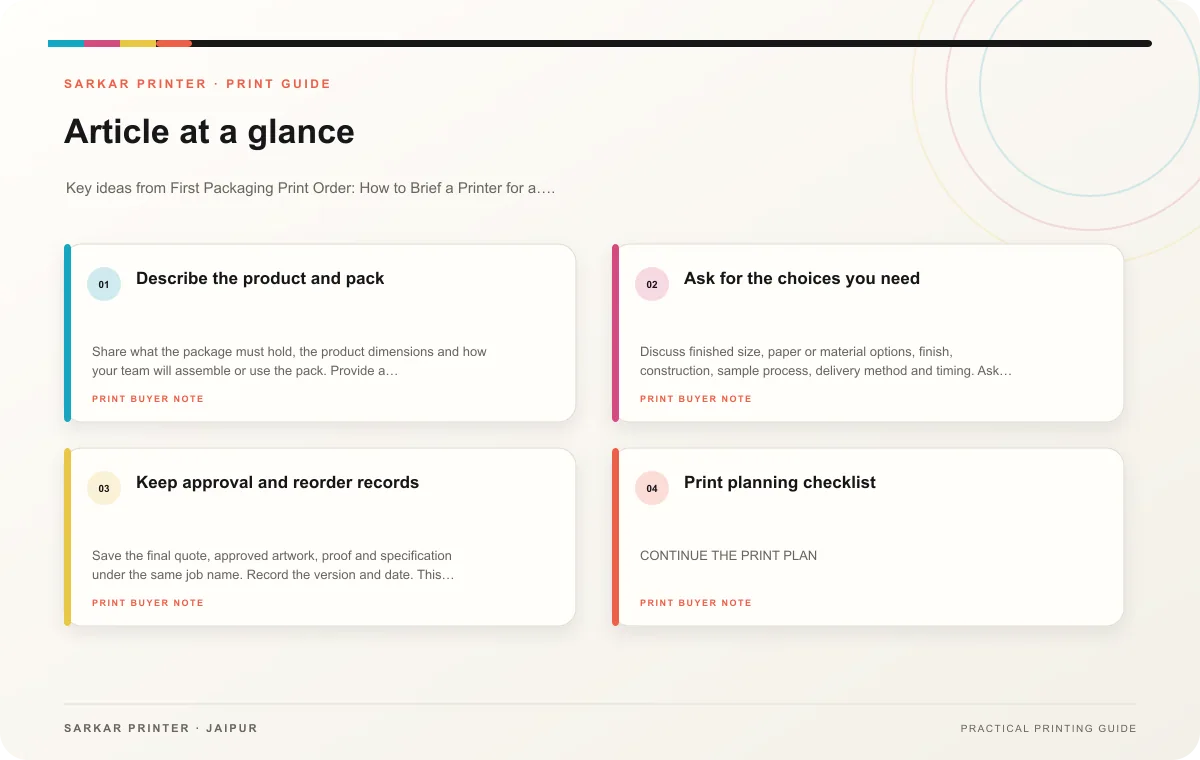
Describe the product and pack
Share what the package must hold, the product dimensions and how your team will assemble or use the pack. Provide a dieline if one exists; otherwise ask the printer what measurements or sample they need. Identify whether the job is a carton, sleeve, label, insert or another format, and explain how customers or staff will handle it.
Make a list of versions and quantities. If the package changes by flavour, size or model, show the count for every SKU. Provide approved copy and explain who will review product and regulatory information. Include a reference design or sample only as a visual guide; confirm which details are final.
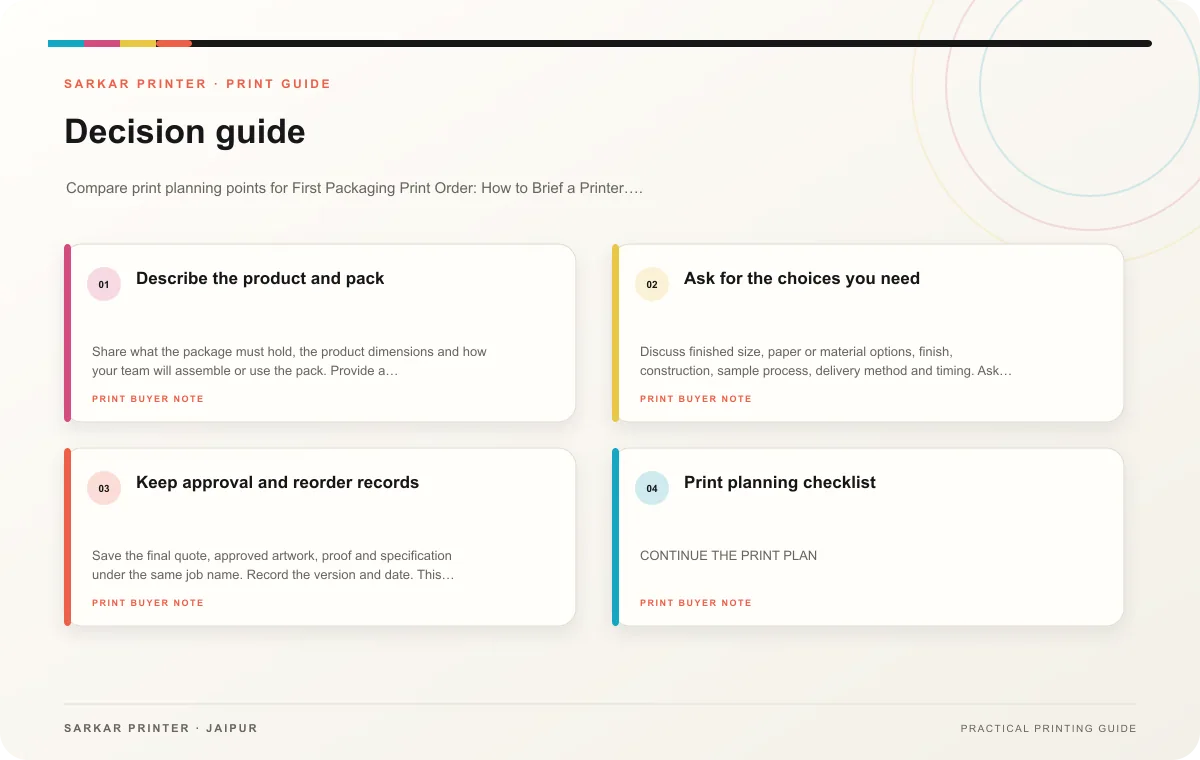
Ask for the choices you need
Discuss finished size, paper or material options, finish, construction, sample process, delivery method and timing. Ask the printer to clarify trade-offs in plain language, especially if an option affects cost, appearance or packing. Do not choose a finish only from a screen mock-up when a sample is available.
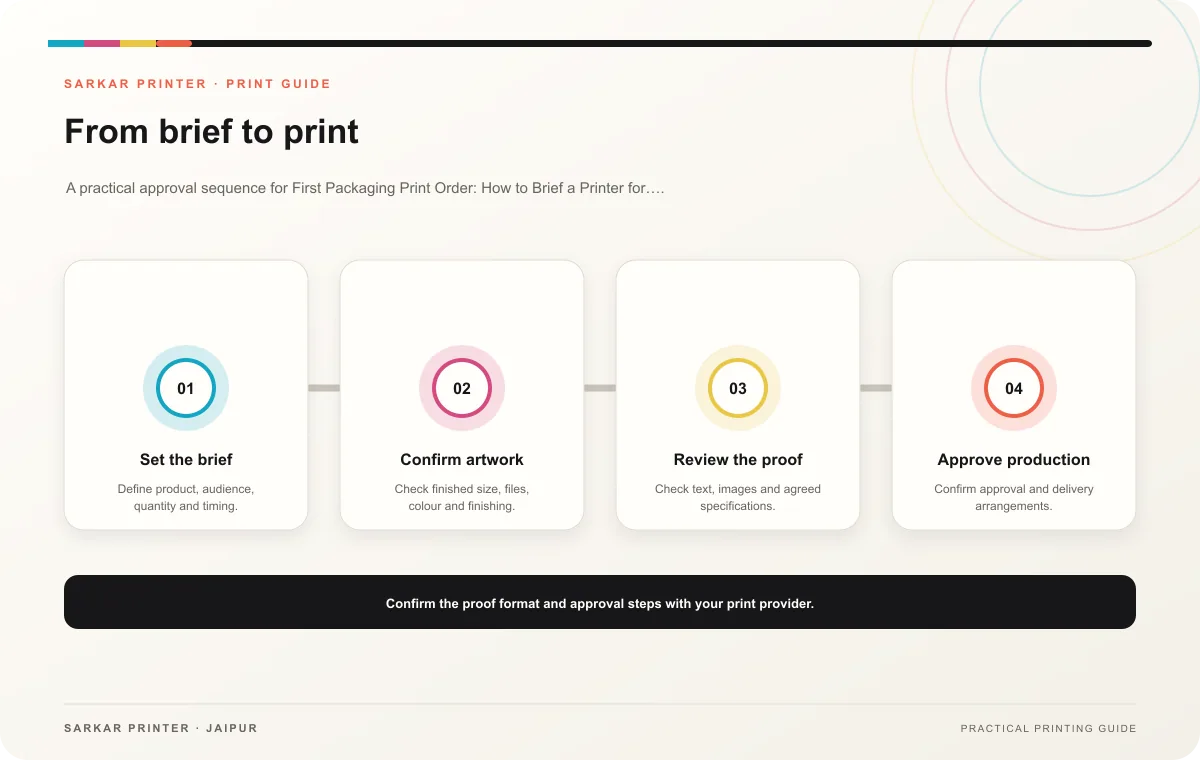
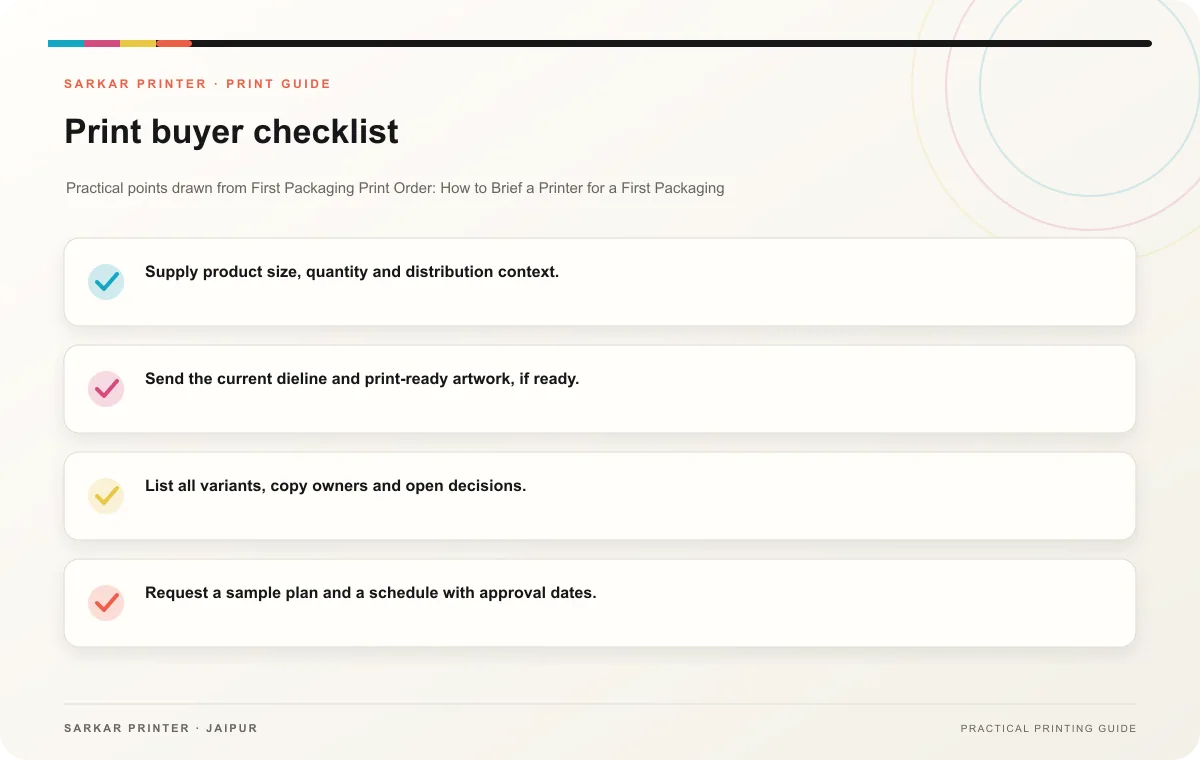
- Supply product size, quantity and distribution context.
- Send the current dieline and print-ready artwork, if ready.
- List all variants, copy owners and open decisions.
- Request a sample plan and a schedule with approval dates.
- Confirm what the quote includes before comparing options.
Keep approval and reorder records
Save the final quote, approved artwork, proof and specification under the same job name. Record the version and date. This gives the next team member a dependable reference and helps a repeat order start from the right package.
Print planning checklist
| Topic | Key point | Check before approval |
|---|---|---|
| Describe the product and pack | Share what the package must hold, the product dimensions and how your team will assemble or use the pack. Provide a dieline if one exists; otherwise ask the printer what measurements or… | Record the agreed choice in the approved print brief. |
| Ask for the choices you need | Discuss finished size, paper or material options, finish, construction, sample process, delivery method and timing. Ask the printer to clarify trade-offs in plain language, especially if… | Record the agreed choice in the approved print brief. |
| Keep approval and reorder records | Save the final quote, approved artwork, proof and specification under the same job name. Record the version and date. This gives the next team member a dependable reference and helps a… | Review one dated proof under suitable light before approval. |
CONTINUE THE PRINT PLAN
Keep the next step useful.
Explore the service page or related drafts, then send the agreed brief to the print team.
Frequently asked questions
Do I need finished artwork to request a quote?
Not always. A printer can often discuss a preliminary brief, but final pricing and production setup need confirmed specifications.
Should I order a sample first?
Ask for a sample when fit, construction or finish could affect the decision.
What slows a first packaging order?
Missing dimensions, unapproved copy, unclear variant counts and late design changes can delay decisions.