
Printed business cards, forms and brochures need an orderly reorder process so teams can find current files and avoid paying to reproduce outdated information. Business print reorder process starts with an inventory and a named owner for each item.
Keep a simple print inventory
List each item, its approved file, version date, usual quantity, paper or material, finish and reorder contact. Track the storage location and an approximate remaining count. Update the inventory after a delivery or whenever staff discover a content change.
Before reordering, check names, job titles, phone numbers, addresses, prices and service descriptions. Ask the owner whether the information is still correct. If the team’s branding or contact details changed, create a new revision instead of repeating the old file.
Set reorder triggers with real usage
Review how quickly your team uses each item and lead time from approval to delivery. A simple reorder point can prompt action before the stock runs out. Set it according to actual monthly use and the printer’s confirmed schedule rather than applying one threshold to every product.
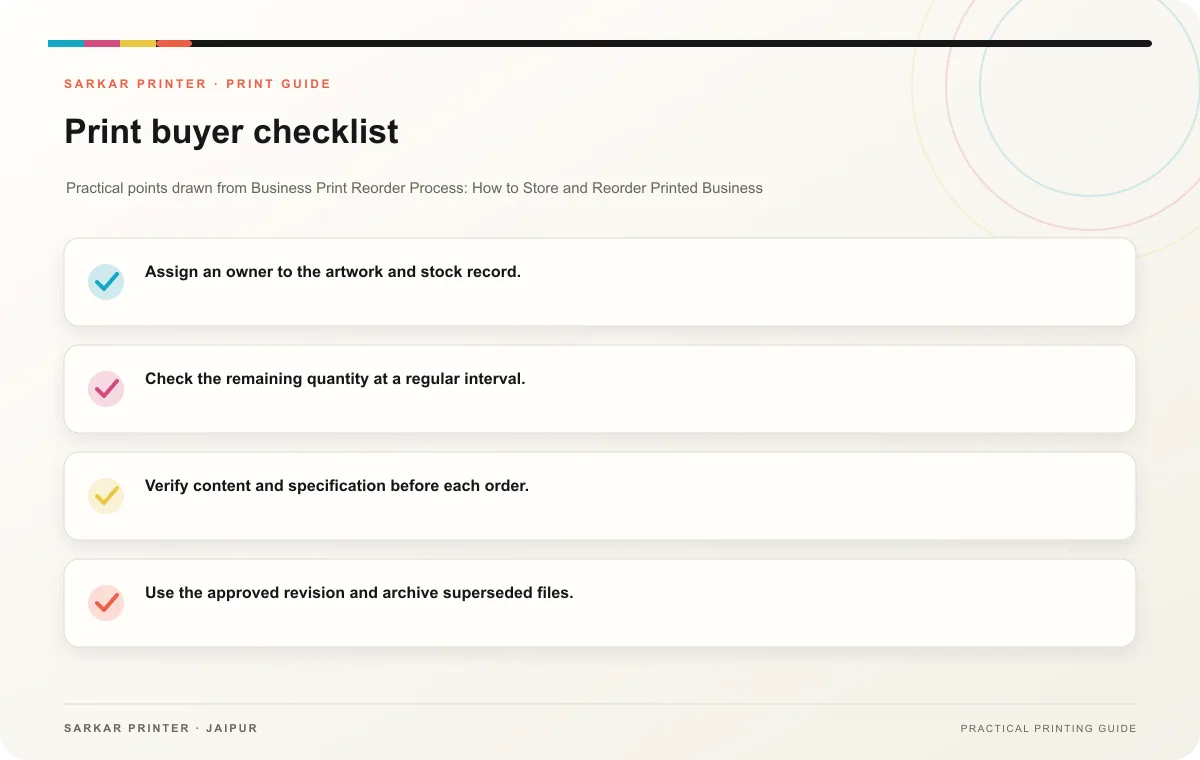
- Assign an owner to the artwork and stock record.
- Check the remaining quantity at a regular interval.
- Verify content and specification before each order.
- Use the approved revision and archive superseded files.
- Record delivery date and quantity received.
Make the next order repeatable
Keep the quote, purchase order, final PDF and approval together. When requesting a reprint, identify the exact file and confirm the current specification with the printer. Share any changes explicitly and request a revised proof when the artwork or material changes.
Print planning checklist
| Topic | Key point | Check before approval |
|---|---|---|
| Keep a simple print inventory | List each item, its approved file, version date, usual quantity, paper or material, finish and reorder contact. Track the storage location and an approximate remaining count. Update the… | Record the agreed choice in the approved print brief. |
| Set reorder triggers with real usage | Review how quickly your team uses each item and lead time from approval to delivery. A simple reorder point can prompt action before the stock runs out. Set it according to actual… | Record the agreed choice in the approved print brief. |
| Make the next order repeatable | Keep the quote, purchase order, final PDF and approval together. When requesting a reprint, identify the exact file and confirm the current specification with the printer. Share any… | Record the agreed choice in the approved print brief. |
CONTINUE THE PRINT PLAN
Keep the next step useful.
Explore the service page or related drafts, then send the agreed brief to the print team.
Frequently asked questions
When should we reorder?
Use consumption history and the printer’s current lead time to set a practical trigger.
Can we store extra printed stock?
Consider shelf life, available space and how often the content changes before ordering extra copies.
Who approves an unchanged reprint?
The content owner should confirm that the details remain current, and the buyer should verify the specification.