
A reliable business card print file setup starts with the printer’s specification, not an export preset chosen by guesswork. Confirm the finished size, orientation, colour plan, bleed and safe area before you lay out the final artwork. Then package the file so another person can check it without hunting for missing fonts or linked graphics.
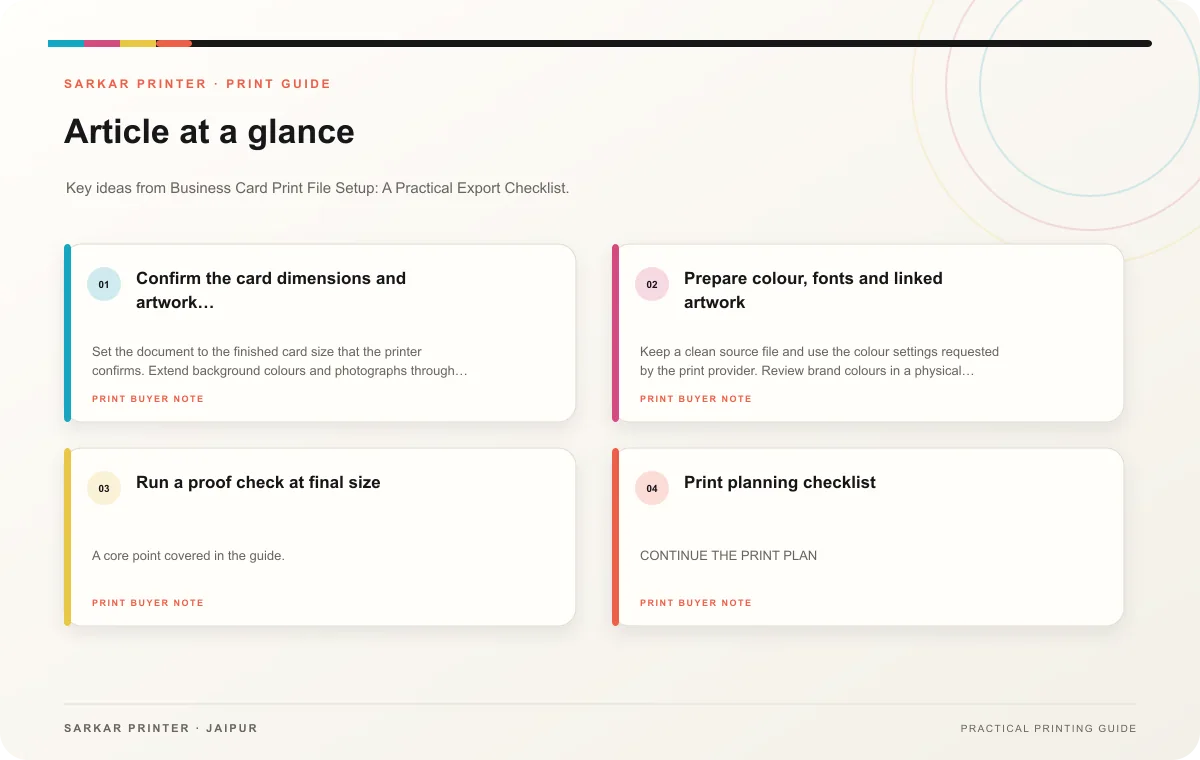
Confirm the card dimensions and artwork boundary
Set the document to the finished card size that the printer confirms. Extend background colours and photographs through the requested bleed, and keep names, phone numbers and logos inside the safe area. Those boundaries help prevent thin white edges or clipped contact details after trimming. Do not copy a bleed value from an old file; ask for the specification for this job.
Use one page for each side or follow the supplied template. Give the front and reverse clear labels in the document or file name, and check that both sides face the intended way. If the card will carry a QR code, test the live destination and reserve uncluttered space around the code.
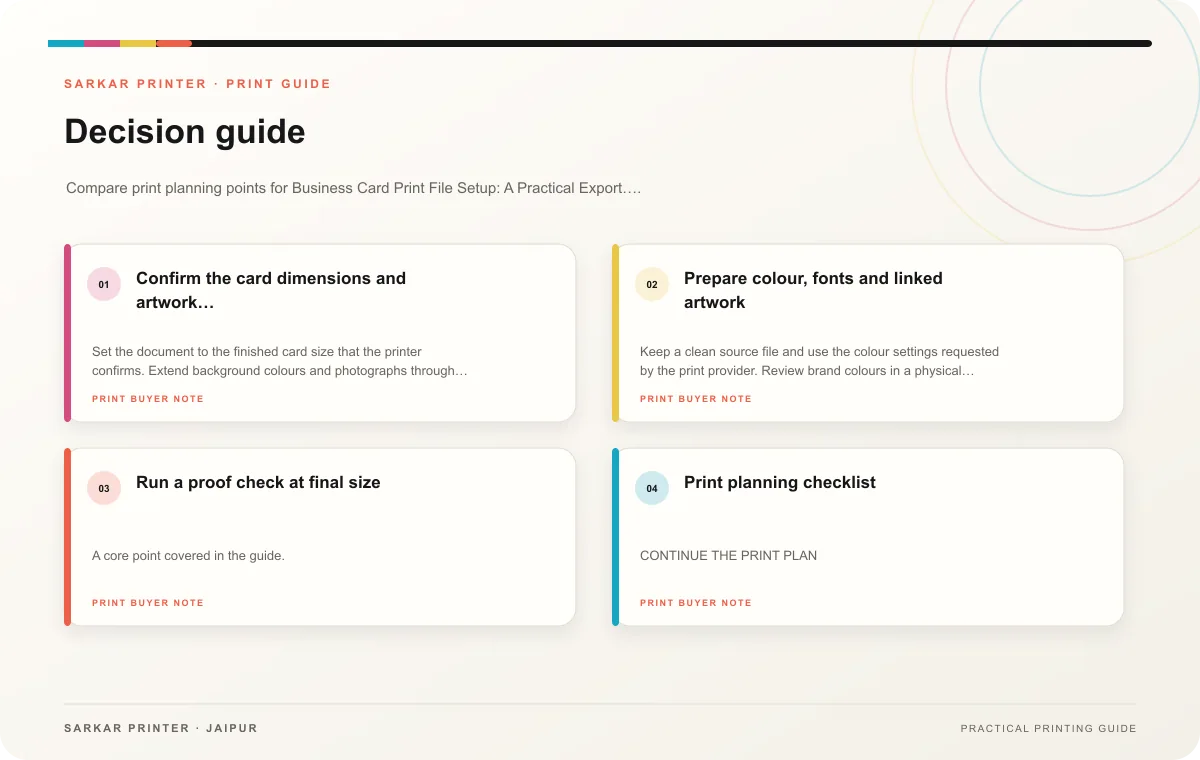
Prepare colour, fonts and linked artwork
Keep a clean source file and use the colour settings requested by the print provider. Review brand colours in a physical proof when close matching matters; a monitor preview cannot confirm how ink and paper will look together. Check placed images and update any modified links before export.
Embed or package fonts according to the provider’s workflow. If you convert type to outlines, save an editable copy first so the team can fix a typo without rebuilding the design. Adobe’s print-ready PDF guidance explains InDesign preflight, linked resources and export settings; use the printer’s requested preset for the actual job.
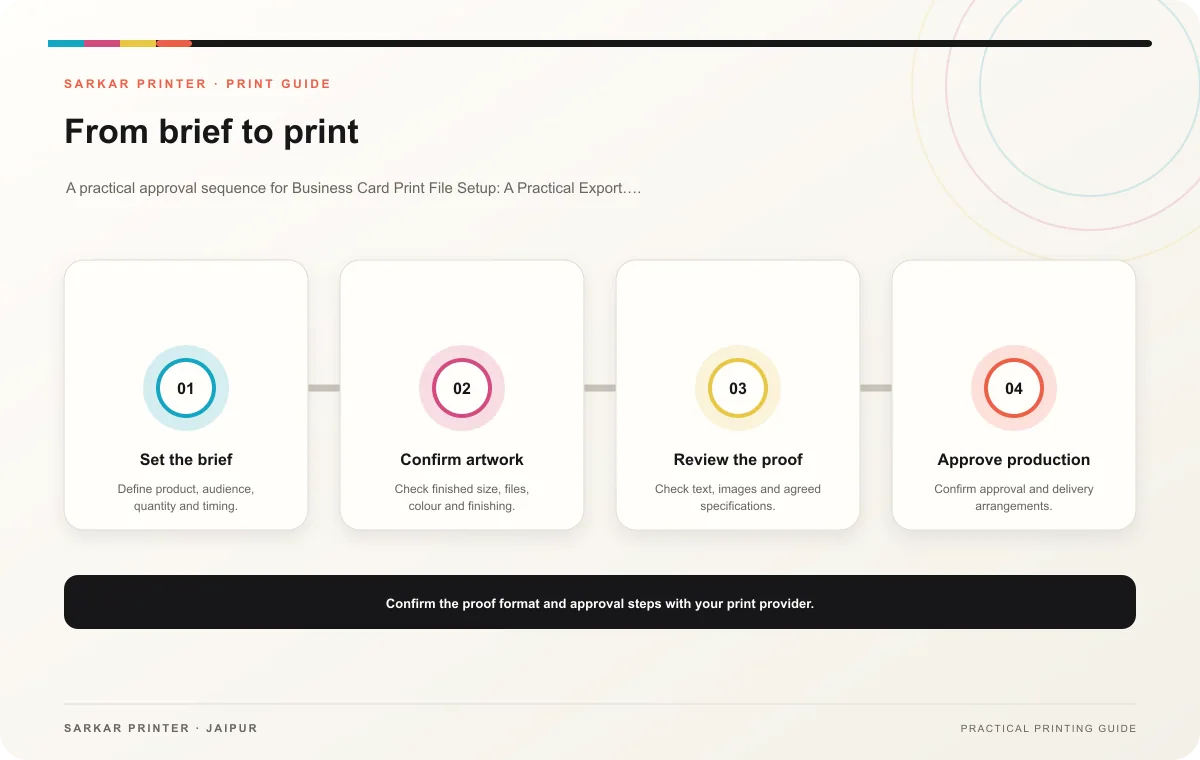
Run a proof check at final size
- Read every name, role, number, email address and web address against the approved source.
- Check both sides for orientation, safe margins and the correct version.
- Open the exported PDF and inspect the entire card, including small text and QR destination.
- Name the approved file clearly and remove superseded exports from the handoff folder.
Print planning checklist
| Topic | Key point | Check before approval |
|---|---|---|
| Confirm the card dimensions and artwork boundary | Set the document to the finished card size that the printer confirms. Extend background colours and photographs through the requested bleed, and keep names, phone numbers and logos… | Check the supplied file at final size and confirm bleed and safe areas. |
| Prepare colour, fonts and linked artwork | Keep a clean source file and use the colour settings requested by the print provider. Review brand colours in a physical proof when close matching matters; a monitor preview cannot… | Check the supplied file at final size and confirm bleed and safe areas. |
CONTINUE THE PRINT PLAN
Keep the next step useful.
Explore the service page or related drafts, then send the agreed brief to the print team.
Frequently asked questions
Should I export a PDF or send the design file?
Ask the printer which format fits its prepress workflow. A print PDF can simplify handoff, while a packaged source file can help when the provider needs to adjust artwork.
Can I reuse a card file from another printer?
Use it as a starting point, then compare its size, bleed, colour and safe area with the new provider’s specification. A familiar layout does not guarantee matching production settings.
What should I send with the artwork?
Send the approved file, the job brief, any linked assets the printer requests and a note that identifies the final version and both sides.