
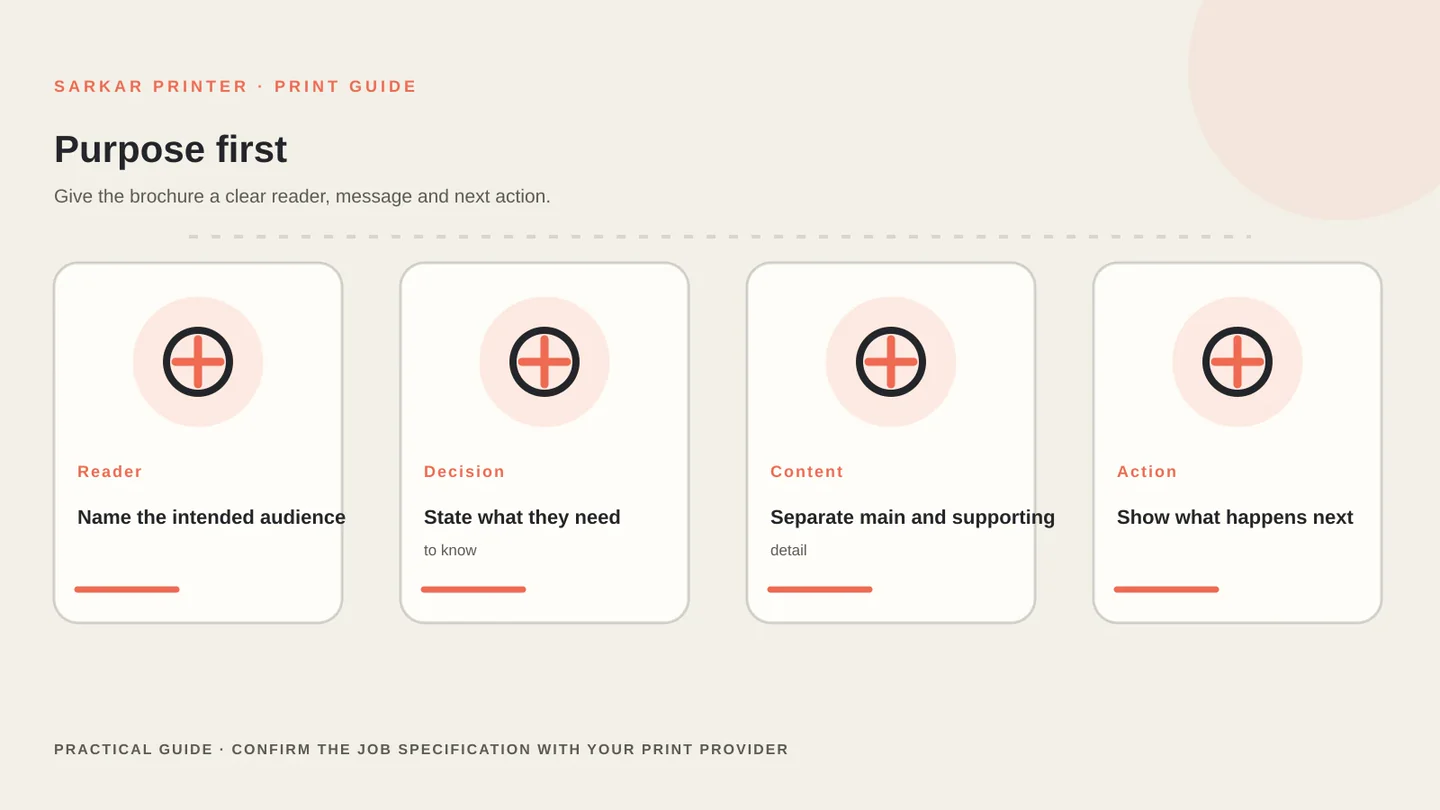
A useful brochure brief explains what the piece must help a reader understand or decide. Name the audience, the main message, where the brochure will be used and the action you want a reader to take. This gives the format and content plan a clear starting point. Standardize sheet proportions against the ISO 216 paper size standard, and export final layout geometry following Adobe InDesign print-ready PDF guidelines.
Define the brochure’s purpose and reader
List the information that must appear, then separate supporting detail from the main story. A product overview, company introduction and event programme need different amounts of explanation. Leave space for contact information, legal details or a response route when the job requires them.
Set the order of information before the design is final. Our brochure printing service page covers the available service; this guide helps you assemble the specification that a supplier needs to quote the work.
Choose a format and map the pages
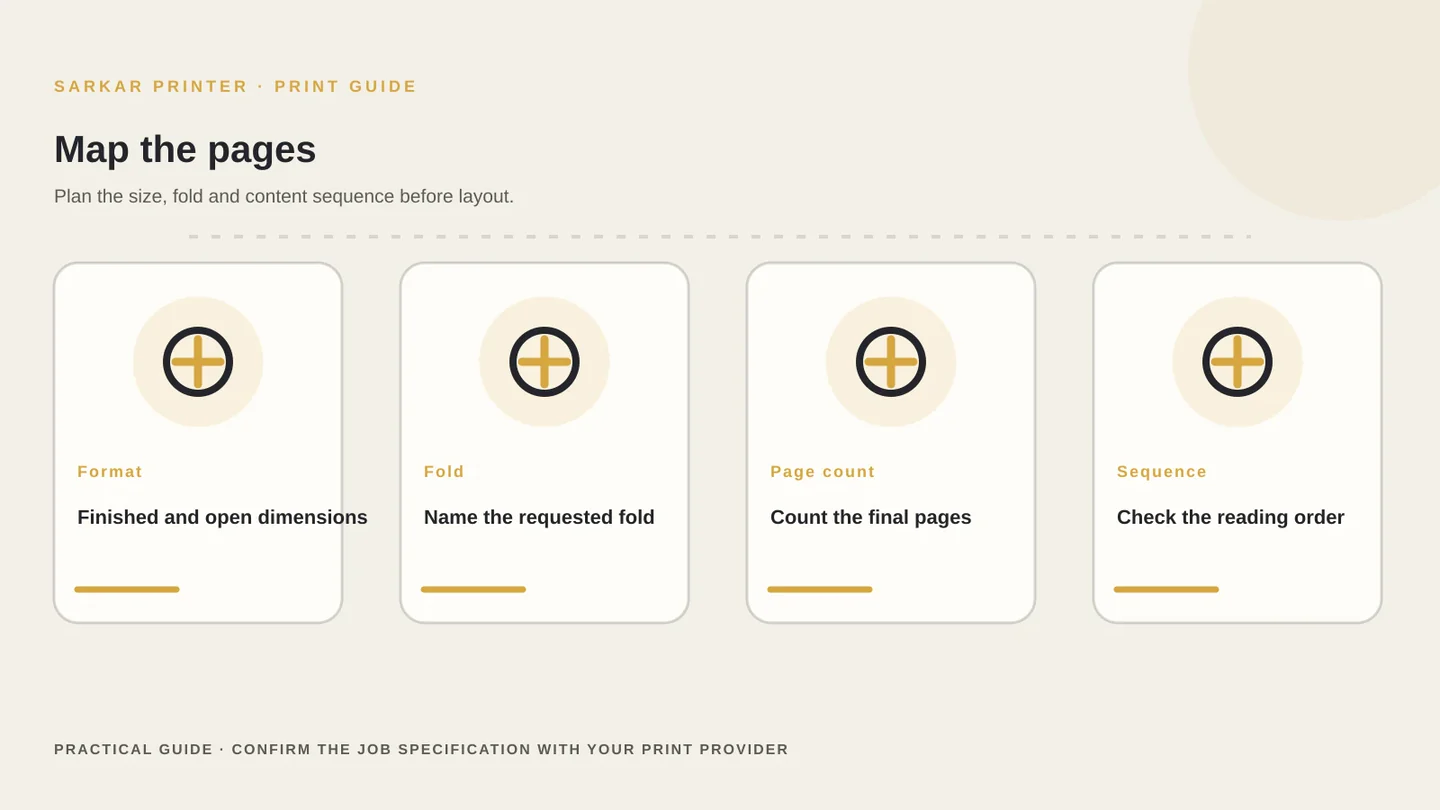
Decide whether a single folded sheet, a multi-page brochure or another format fits the amount of content. Share the finished size and the open size for folded work. For multi-page work, state the page count and whether the number includes the cover.
Sketch the reading order from cover to final panel or page. Check that headings, images and calls to action move in a logical sequence. For a folded sheet, verify the fold and panel order with the printer’s template because panels may have different widths.
If you are comparing folds, read our tri-fold panel order guide for panel planning. Keep this quote brief focused on the overall format, content volume and production details.
Specify paper, finish and production choices
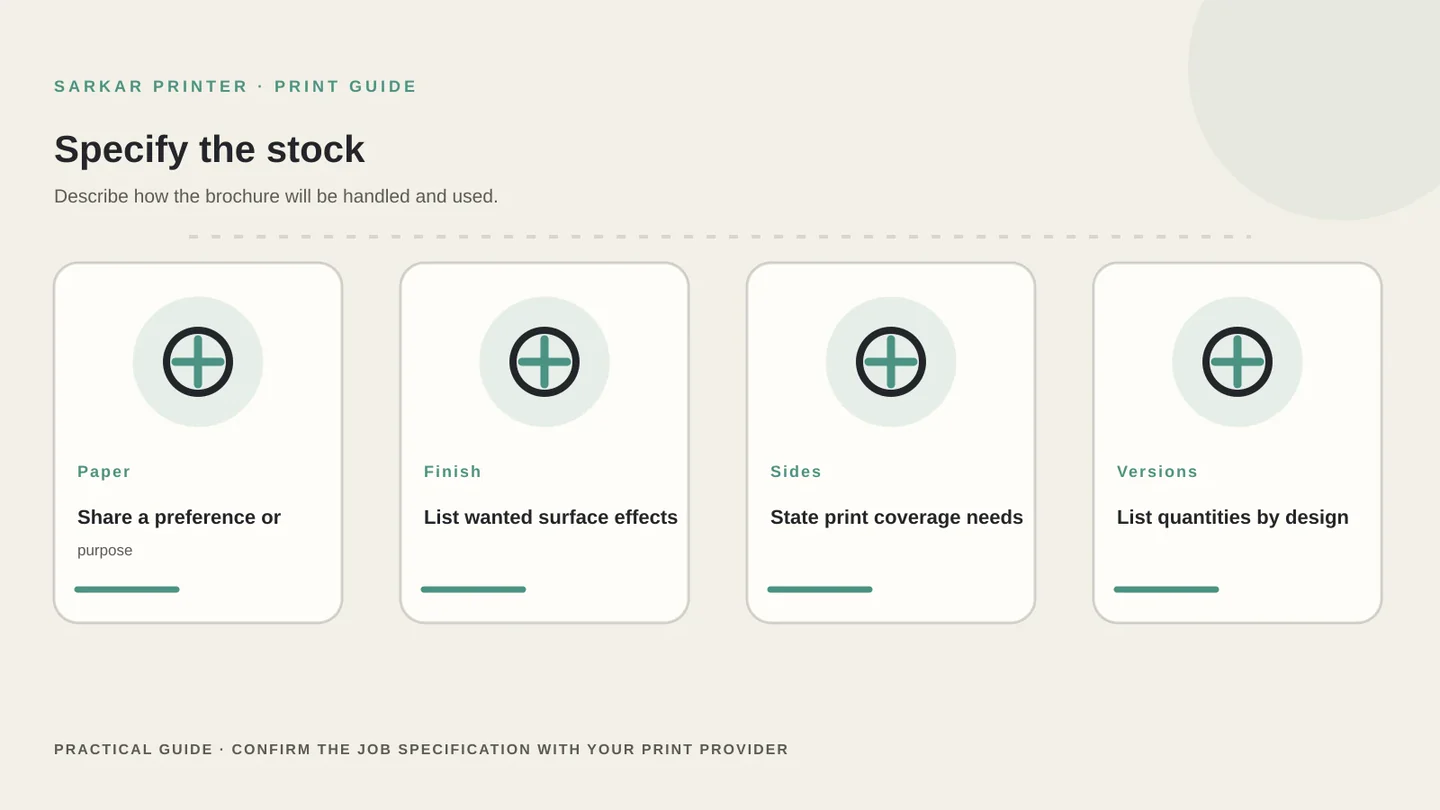
Describe the intended use and let the printer recommend suitable stock if you are unsure. Paper choice can affect the feel, opacity, colour appearance, handling and how a brochure folds. Ask the supplier to identify the exact paper in the quote rather than using a broad label such as premium.
List any finish you are considering, such as a coating or special effect, and ask about its impact on appearance, handling and cost. The available choices depend on the paper, format and production method, so confirm compatibility with the print provider.
If your brochure includes several designs, language versions or product variants, list the quantity for each one. A clear version schedule makes it easier to price the job and reduces the chance of printing the wrong artwork.
Prepare the file and approval route
Use the provider’s template and file instructions for page size, bleed, safe margins, image resolution and colour setup. Export a print-ready PDF only after you confirm the requested settings. Do not assume the same export preset suits every supplier or job.
Keep a final artwork folder with clear file names and one approved version per design. Ask who will review the proof and who can authorise changes. Check cover copy, page order, phone numbers, URLs, QR codes and image crops before signing off.
Compare quotes that include the same artwork checks, proofing, finishing, packing and delivery. When the specification is ready, send it to our enquiry team and note any choices you would like help finalising.
Quote-ready brochure specification
Gather these production details before you ask for a brochure quote.
| Specification | Information to provide | Approval check |
|---|---|---|
| Purpose | Reader, use, message and action | The content order supports the purpose |
| Format | Finished size, open size, fold and page count | Panel and page order match the template |
| Paper and finish | Preferred stock or intended use | Exact stock and finish appear in the quote |
| Print coverage | Sides, colours and any special elements | Colour-critical details are identified |
| Versions | Designs, languages and quantity per version | Files are clearly named and separated |
| File and delivery | PDF settings, proof contact and deadline | One person approves the final proof |
CONTINUE THE PRINT PLAN
Make the next print decision with a clear brief.
View our brochure printing service and send a quote-ready brief.
Frequently asked questions
What should I include in a brochure printing brief?
Include the purpose, reader, finished size, fold or page count, quantity, paper preference, finish, print coverage, number of versions, artwork status and deadline.
How do I choose between a folded brochure and a multi-page brochure?
Start with the amount of information, reading order and intended use. A supplier can confirm which formats and page counts fit your brief and available production options.
Should I select paper before asking for a quote?
You can share a preference or describe the intended use. Ask the printer to recommend suitable options and list the exact stock in the quote so you can compare accurately.
What should I check on a brochure proof?
Check page and panel order, spelling, contact details, QR codes, image crops, colour direction, safe margins and the exact version approved for production.