
undefined Standardize sheet proportions against the ISO 216 paper size standard, and export final layout geometry following Adobe InDesign print-ready PDF guidelines.
Choose the fold before arranging panels
A standard letter fold wraps one outer panel inward, while a Z-fold opens like an accordion. The reading sequence and panel exposure differ. Choose the format based on how readers should discover the information: a short introduction followed by details, or a sequence of connected steps.
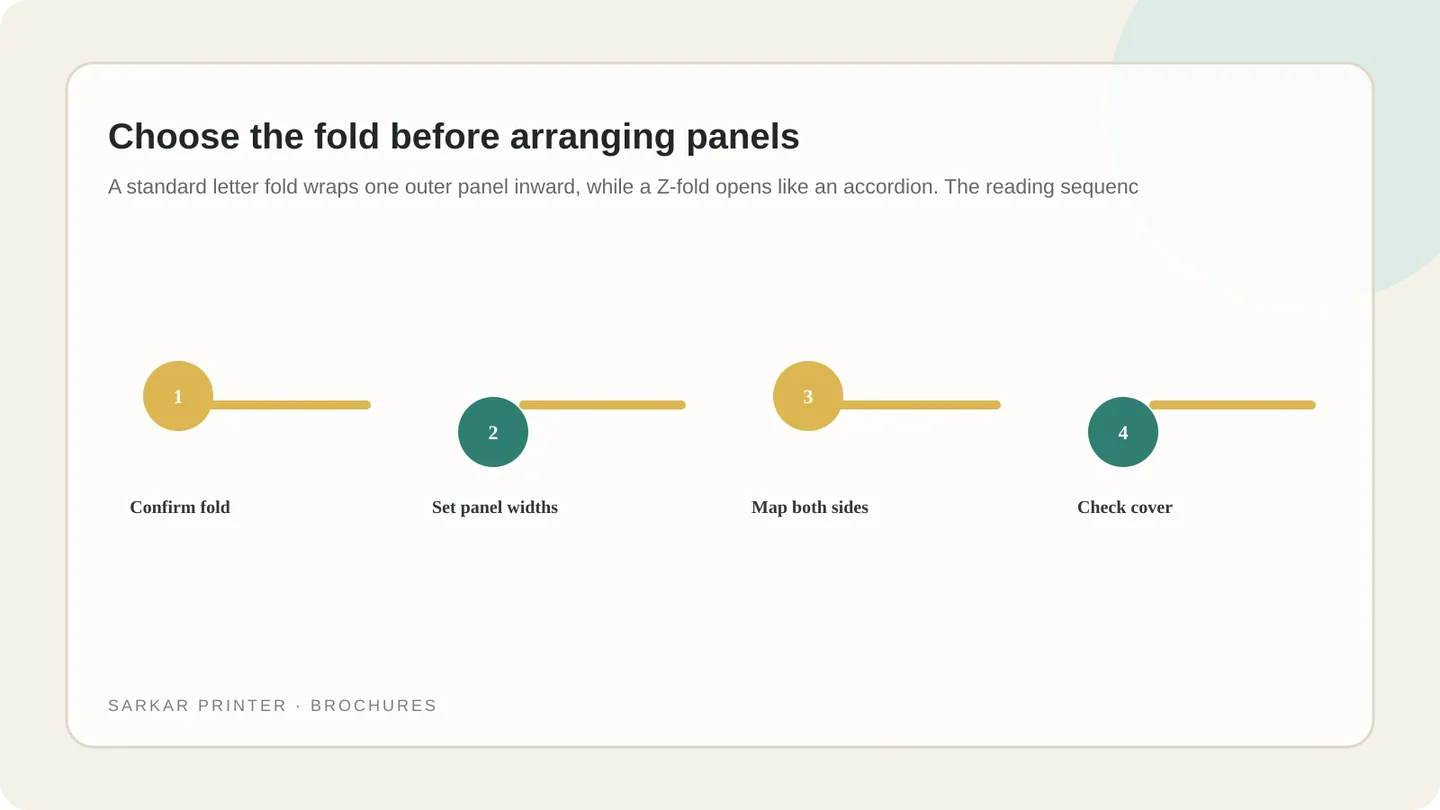
Ask the printer for a flat artwork template or marked panel diagram. Do not assume all three-panel brochures use identical widths. A wrap fold may need a narrower tucked panel so it closes neatly; confirm the allowance for the selected stock and finishing.
Map the reader journey across both sides
Place information in reading order. A service introduction might move from cover promise to overview, proof or benefits, practical details, and a next step. Put contact details where readers can find them without hunting.
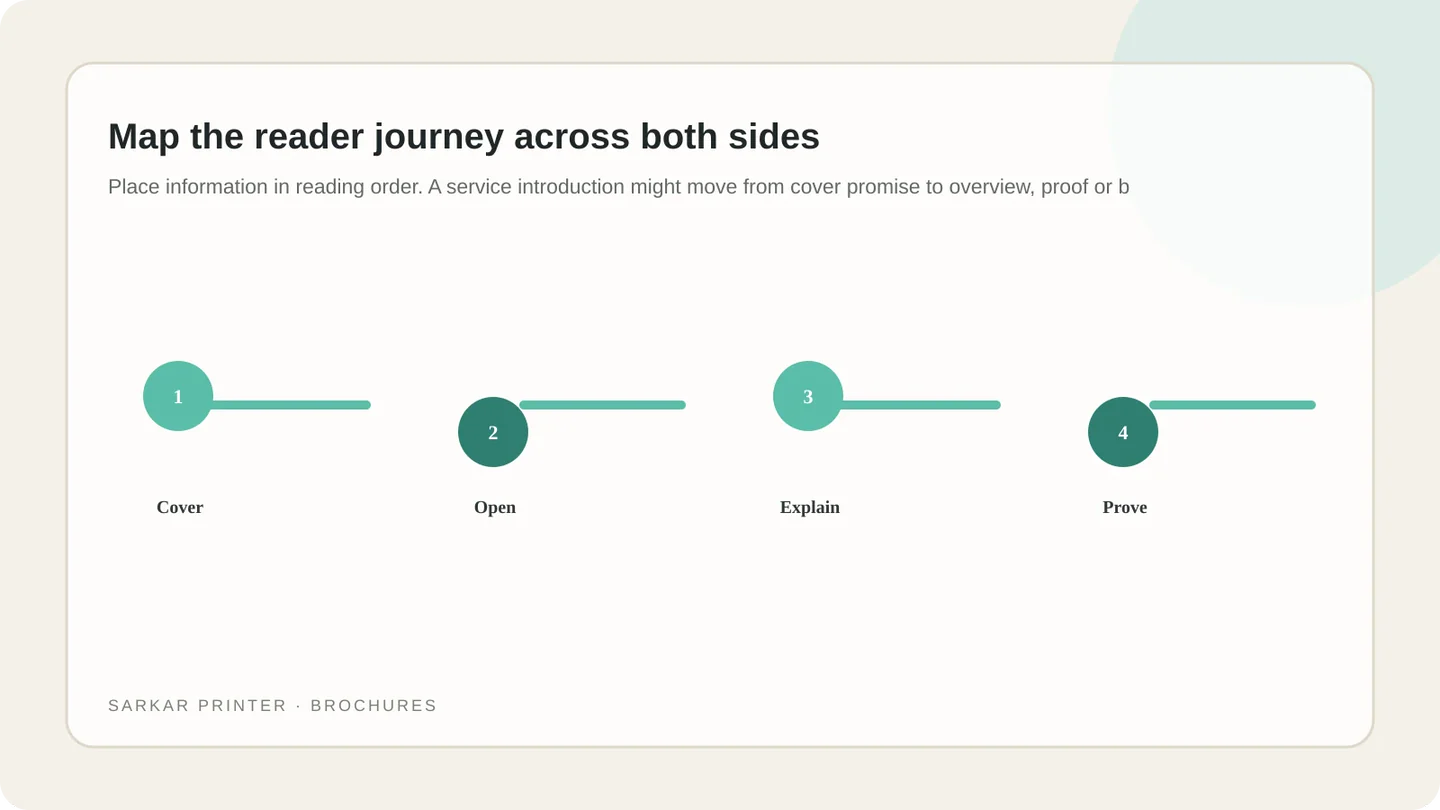
On a wrap fold, the outside panels commonly include a cover, back panel and tucked flap; the inside spread carries the main story. On a Z-fold, readers may encounter panels continuously. Make a paper dummy using the printer’s panel labels before placing final copy.
Balance copy, images and breathing room
Give each panel one main job. A concise heading, a short supporting block and a relevant image are easier to scan than six dense columns. Keep important text, logos and faces away from folds and trim edges.
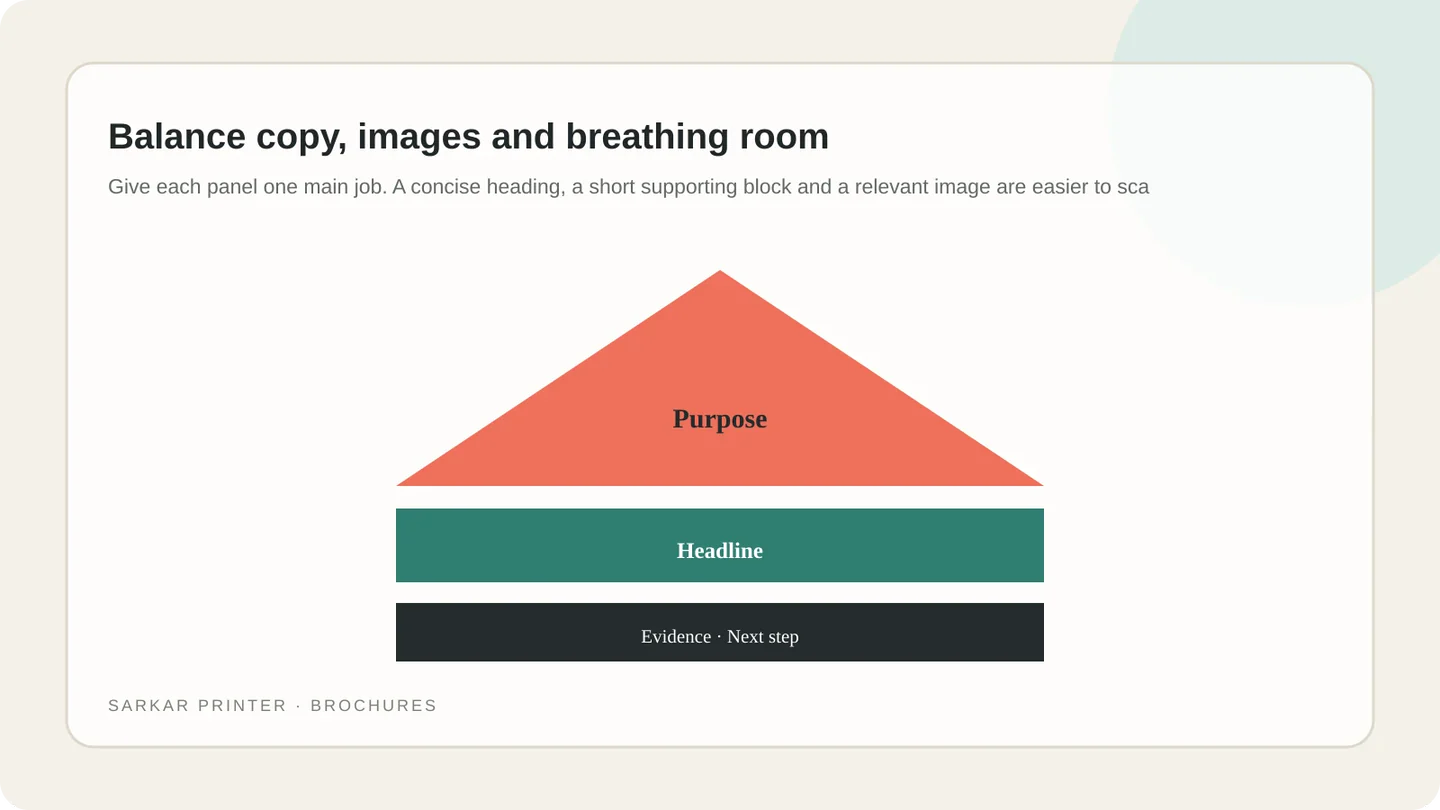
Use consistent type and image treatment. If a photo crosses a fold, check that it will not split a face or key detail. Supply suitable original artwork and confirm the printer’s requirements for bleed, colour mode and PDF export.
Proof the flat file and folded sample
A screen preview can hide panel reversals. Check a folded dummy, then review spelling, phone numbers, URLs, image crops, colour intent and panel sequence. Ask a new reader to follow the brochure without guidance.
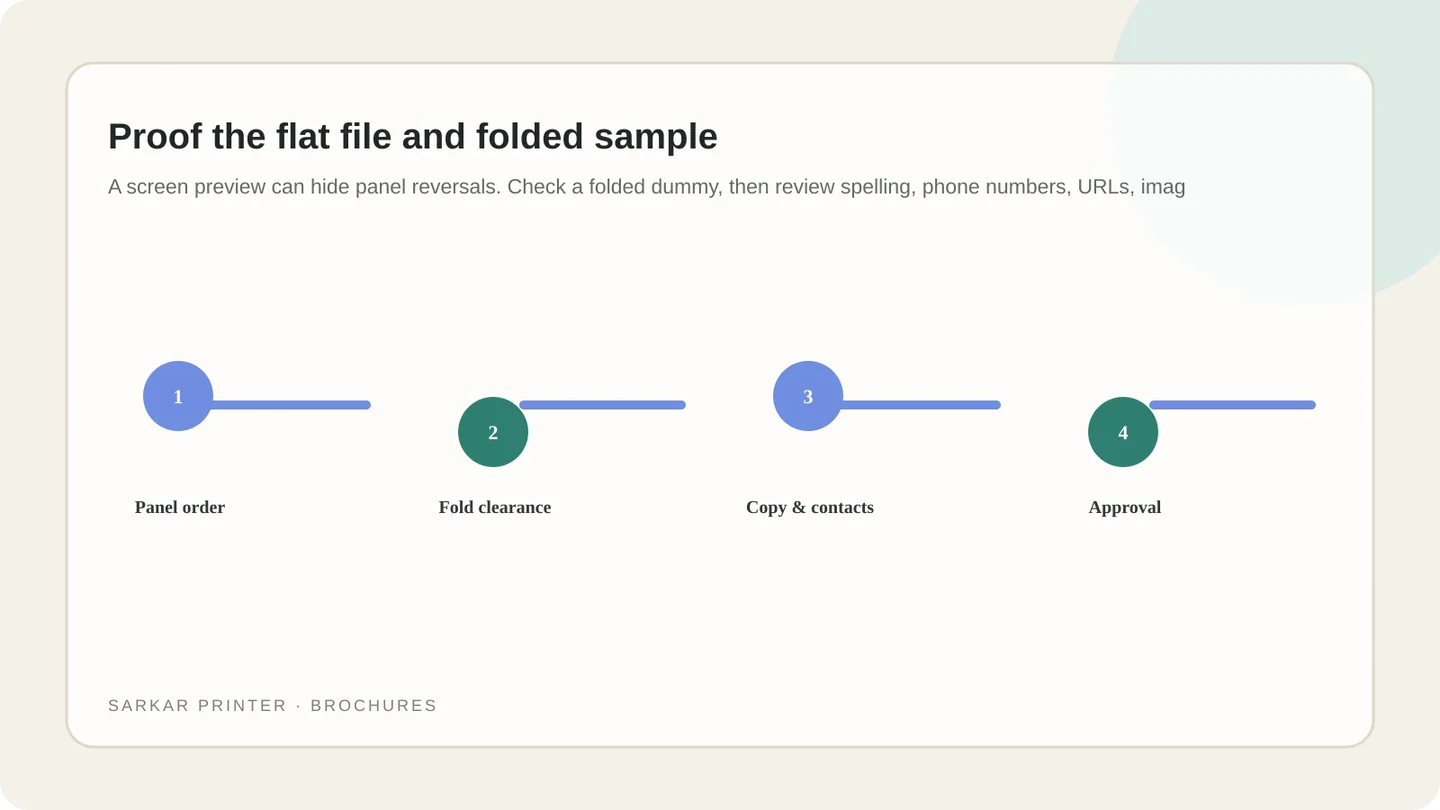
Approve only the version containing the exact artwork you want printed. If copy or images change after proofing, request a fresh proof. See our brochure printing service or send a print brief.
Fold and panel planning reference
| Fold style | Reader experience | Planning check |
|---|---|---|
| Letter / wrap fold | Cover leads into an inside spread | Confirm tucked panel width and which panel is the cover. |
| Z-fold / accordion | Panels reveal in a continuous sequence | Mark the first panel and verify front/back orientation. |
| Gate fold | Side panels open toward a central spread | Confirm symmetry, closure and any extra finishing needs. |
Plan the print job with a clear brief
Share the format, quantity, intended use and deadline. The print team can help confirm production details before artwork approval.
Contact Sarkar Printer ↗Frequently asked questions
What is the correct panel order for a trifold brochure?
It depends on the fold. Label outside and inside panels on a printer-approved flat template, then make a folded dummy to verify the reading sequence.
Are all three brochure panels the same width?
Not always. A wrap fold can use a narrower tucked panel. Use the dimensions supplied for the chosen paper and fold.
Where should the call to action go?
Place it after the main information and repeat essential contact details on a panel that is easy to find when closed.
What should I check before sending a trifold to print?
Check panel order, fold and trim clearances, spelling, contact details, image quality, bleed and the final folded proof.