
Choose brochure paper by GSM, caliper, fold style and reading needs, then confirm the stock with a printed sample or proof. Standardize sheet proportions against the ISO 216 paper size standard, and export final layout geometry following Adobe InDesign print-ready PDF guidelines.
GSM describes weight, not the full thickness story
GSM means grams per square metre: it describes paper weight over a defined area. It does not completely predict measured thickness, stiffness or surface feel. Fibre, coating, bulk and finish can make two sheets with the same GSM behave differently.
When a brochure must fold, stand up, mail or carry many pages, ask for both the available stock options and a physical sample. Describe the job’s use instead of choosing only by a number.
Use weight ranges as a starting point, not a guarantee
For a folded brochure, lighter text stocks can keep the piece easy to mail, while heavier stock can feel more substantial in the hand. Very heavy stock may need scoring before folding; multi-page brochures may use lighter inside pages and a separate cover.
Available ranges depend on the printer’s machines and stock list. VistaPrint India, for example, lists folded brochure choices including 90 gsm uncoated, 120 gsm uncoated, 148 gsm glossy and 170 gsm glossy. Treat those as one provider’s options, not a universal specification.
| Planning choice | Possible use | What to verify |
|---|---|---|
| 90–120 gsm uncoated | Light reading pieces or mail-friendly inserts. | Opacity, writing needs and available size. |
| 130–170 gsm text stock | Many folded marketing brochures. | Fold strength, finish, grain and scoring. |
| Heavier cover stock | A more rigid cover or short-format piece. | Machine limits, crease quality and fold thickness. |
| Mixed inside and cover | A multi-page brochure with a distinct outer cover. | Page count, binding method and stock compatibility. |
Match the stock to the fold and finish
A single-fold, roll-fold or gate-fold brochure places paper under different bending and panel conditions. A coating, laminate or heavy ink area can also affect the crease and how the piece opens. Confirm panel widths and fold sequence before finalising artwork.
Ask whether the stock needs scoring, what grain direction the shop recommends and whether the intended finish changes the fold. These checks matter most when you choose a heavier cover or place heavy coverage near the crease.
Review an actual sample or proof
Look at the brochure both open and folded. Check whether text lands on the correct panel, images cross folds cleanly, small type remains readable and the closed format fits your distribution plan. A printed dummy helps when panel order or hand feel is uncertain.
Record the approved stock, GSM, finish, size and fold on the job brief. That record makes a future reprint easier to compare, while the printer can confirm whether the same material is still available.
Print brief checklist
- Describe where and how readers will use the brochure.
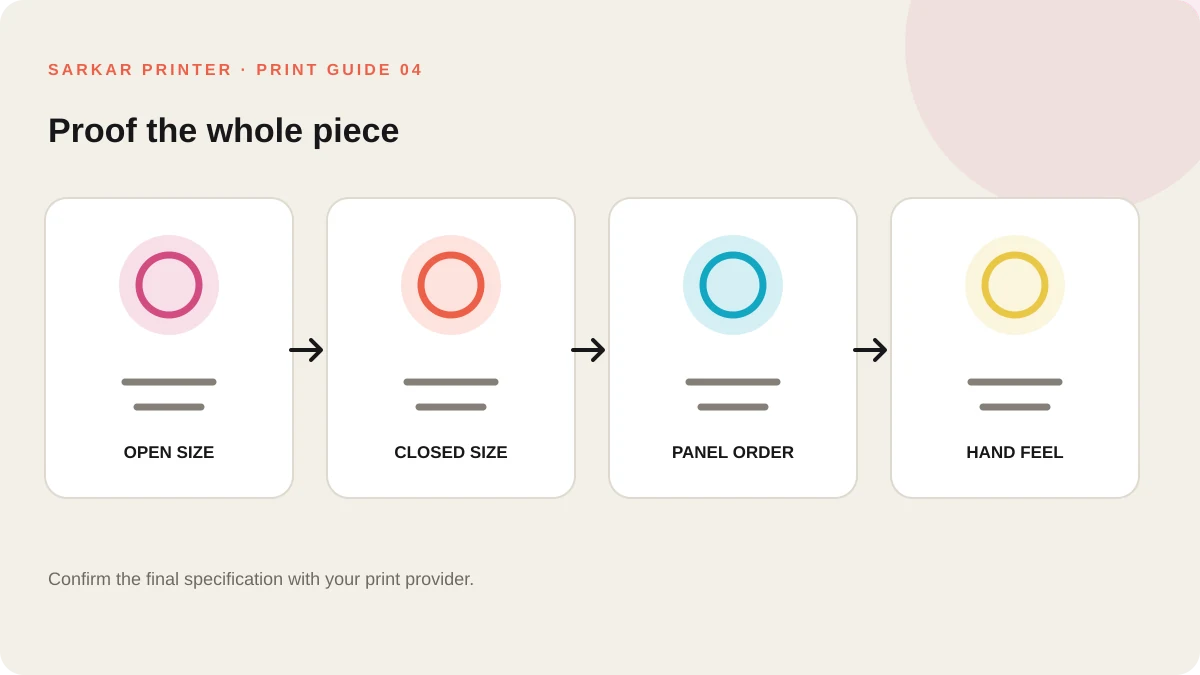
- Confirm open size, closed size, panel order and fold type.
- Compare samples by weight, thickness, coating and stiffness.
- Ask the printer about grain, scoring and finish before approval.
For product-specific options, see Brochure printing services or send the team a print enquiry.
Frequently asked questions
What GSM is best for a brochure?
There is no single best GSM. Choose from the printer’s available stocks based on the fold, page count, reading use, finish and desired hand feel.
Does GSM tell me the exact paper thickness?
No. GSM measures weight per area. Caliper, fibre, coating and bulk also affect measured thickness and stiffness.
Does thick brochure paper need scoring?
Some heavier stocks benefit from scoring before folding, but the right method depends on the material, grain, fold and equipment. Ask the printer.
Should I use the same stock for the cover and inside pages?
Not always. A separate cover can add rigidity, but the stock combination must work with the page count and finishing method.