
A school prospectus brings admissions information, programme details and the institution’s identity into one handout. Before school prospectus printing, agree who owns each fact and which version families should receive.
Build the content from approved sources
Collect the academic year, contact details, campus information, admission steps and programme names from the responsible staff. Use one source document for each group of facts. If several departments send copy, assign an editor to reconcile dates and terminology before the designer lays out pages.
Plan sections around a parent’s questions: what the school offers, how a student applies, which documents the parent needs, when key dates fall and whom to contact. Give the admissions process a clear sequence. Avoid promising results, facilities or activities unless the school can confirm them for the edition.
Make the pages easy to navigate
Use a contents panel, descriptive headings and consistent page labels for a longer prospectus. Pair photographs with accurate captions, and obtain approval to use student images. Keep essential details in live text rather than embedding them into a picture. Check that charts, maps and contact information remain legible at the final size.
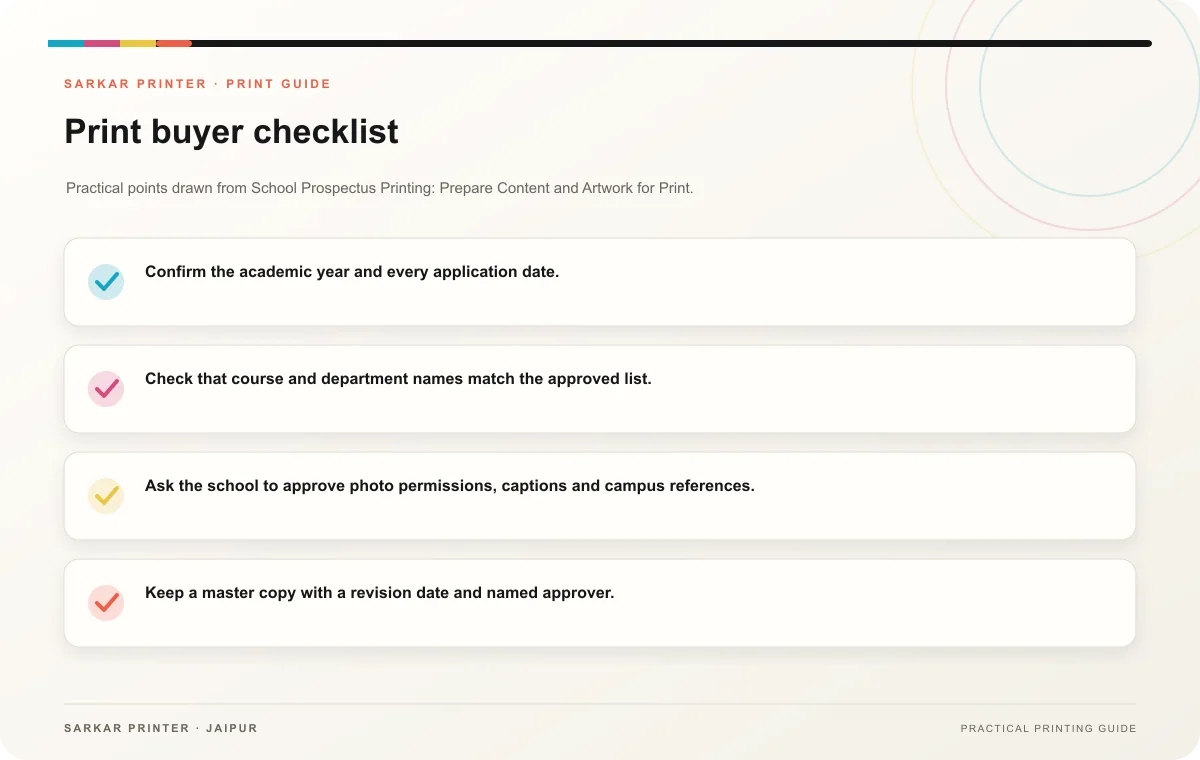
- Confirm the academic year and every application date.
- Check that course and department names match the approved list.
- Ask the school to approve photo permissions, captions and campus references.
- Keep a master copy with a revision date and named approver.
Prepare a print-ready brief
Specify page size, page count, binding preference, quantity, paper choices and the distribution date. Share the final PDF and any linked assets together. Ask the printer to confirm the file setup and proof process. Review the proof with admissions and communications staff; a second reader can catch an outdated phone number that the designer may overlook.
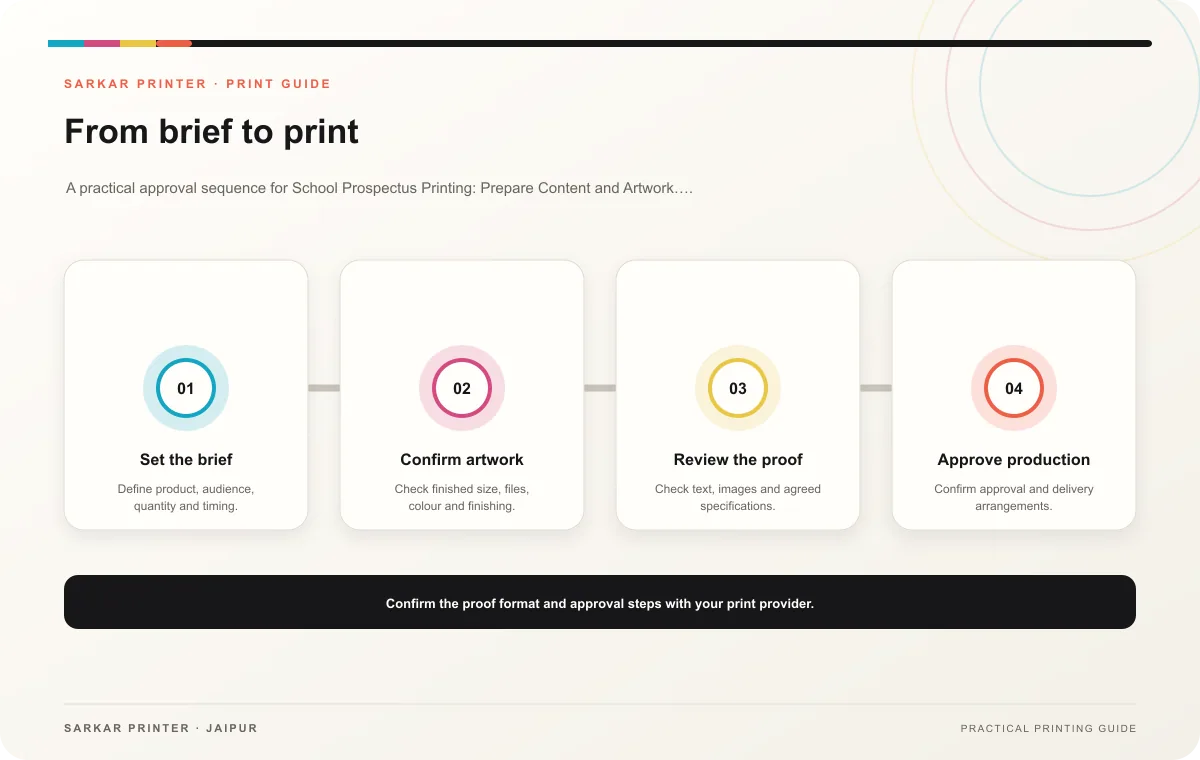
Print planning checklist
| Topic | Key point | Check before approval |
|---|---|---|
| Build the content from approved sources | Collect the academic year, contact details, campus information, admission steps and programme names from the responsible staff. Use one source document for each group of facts. If… | Record the agreed choice in the approved print brief. |
| Make the pages easy to navigate | Use a contents panel, descriptive headings and consistent page labels for a longer prospectus. Pair photographs with accurate captions, and obtain approval to use student images. Keep… | Record the agreed choice in the approved print brief. |
| Prepare a print-ready brief | Specify page size, page count, binding preference, quantity, paper choices and the distribution date. Share the final PDF and any linked assets together. Ask the printer to confirm the… | Record the agreed choice in the approved print brief. |
CONTINUE THE PRINT PLAN
Keep the next step useful.
Explore the service page or related drafts, then send the agreed brief to the print team.
Frequently asked questions
When should a school begin the prospectus?
Work backward from distribution and allow time for content approval, design, proof corrections and printing. Confirm the actual production schedule with the printer.
Should the school print one copy for every family?
Estimate from the intended distribution list and keep a controlled reserve. Revisit the count when the audience or event plan changes.
What should the team check last?
Check dates, contact details, programme names, photo permissions, page order and the final proof at readable size.