
A property sales kit can combine a project brochure with separate floor-plan sheets so buyers can compare layouts without crowding every page. Property sales kit printing in Jaipur starts with verified project information and an organized set of drawings.
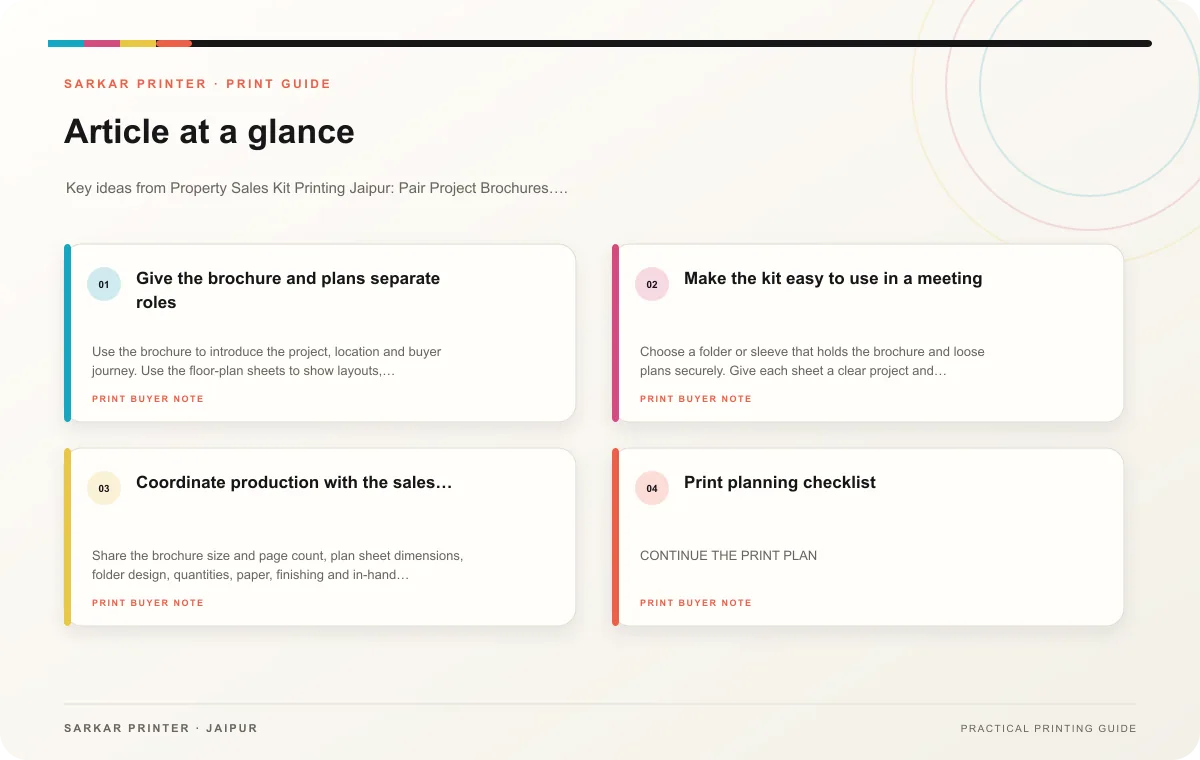
Give the brochure and plans separate roles
Use the brochure to introduce the project, location and buyer journey. Use the floor-plan sheets to show layouts, dimensions and labels at a legible size. If a buyer needs to compare several configurations, keep the plan sheets consistent so differences stand out clearly.
Confirm dimensions, unit names, availability and amenity details with the project owner. Mark illustrative renders appropriately and make sure maps reflect approved information. Do not add a claim about possession, approvals or facilities unless the responsible owner has confirmed the wording.
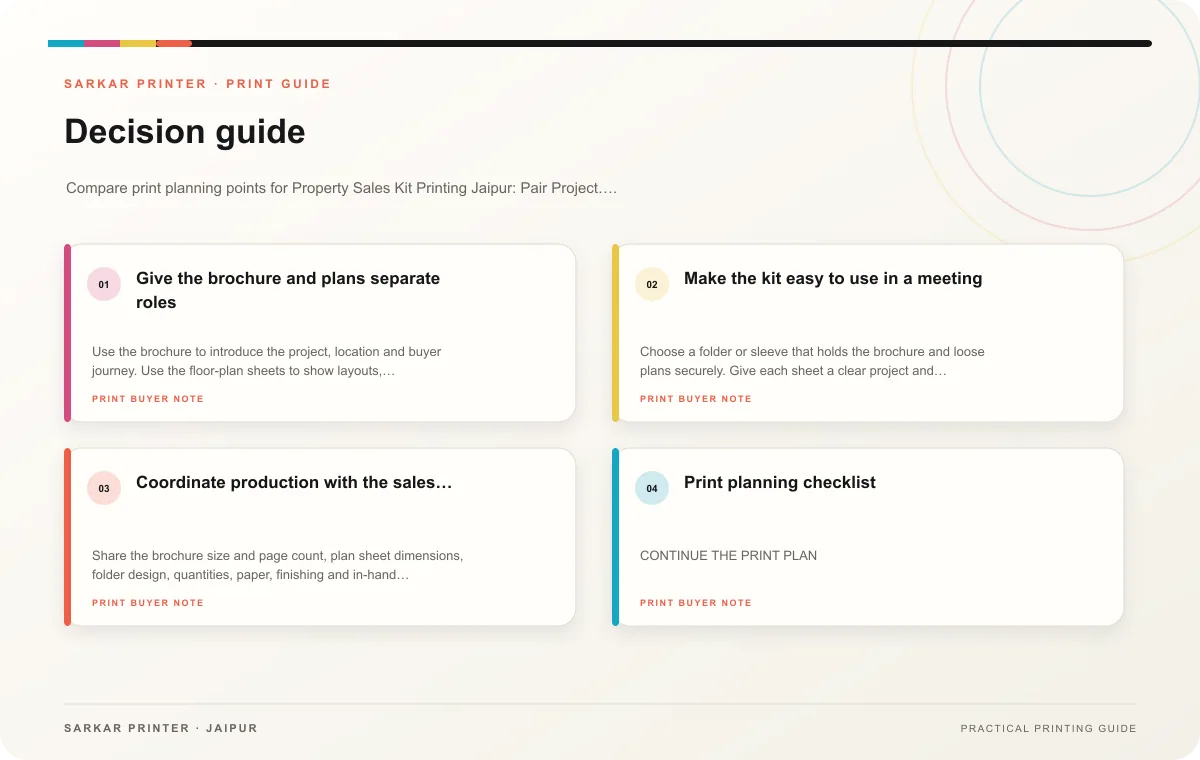
Make the kit easy to use in a meeting
Choose a folder or sleeve that holds the brochure and loose plans securely. Give each sheet a clear project and configuration label. Add a route for follow-up questions, such as an approved phone number or QR code to current project information. Test the code and destination on a phone.
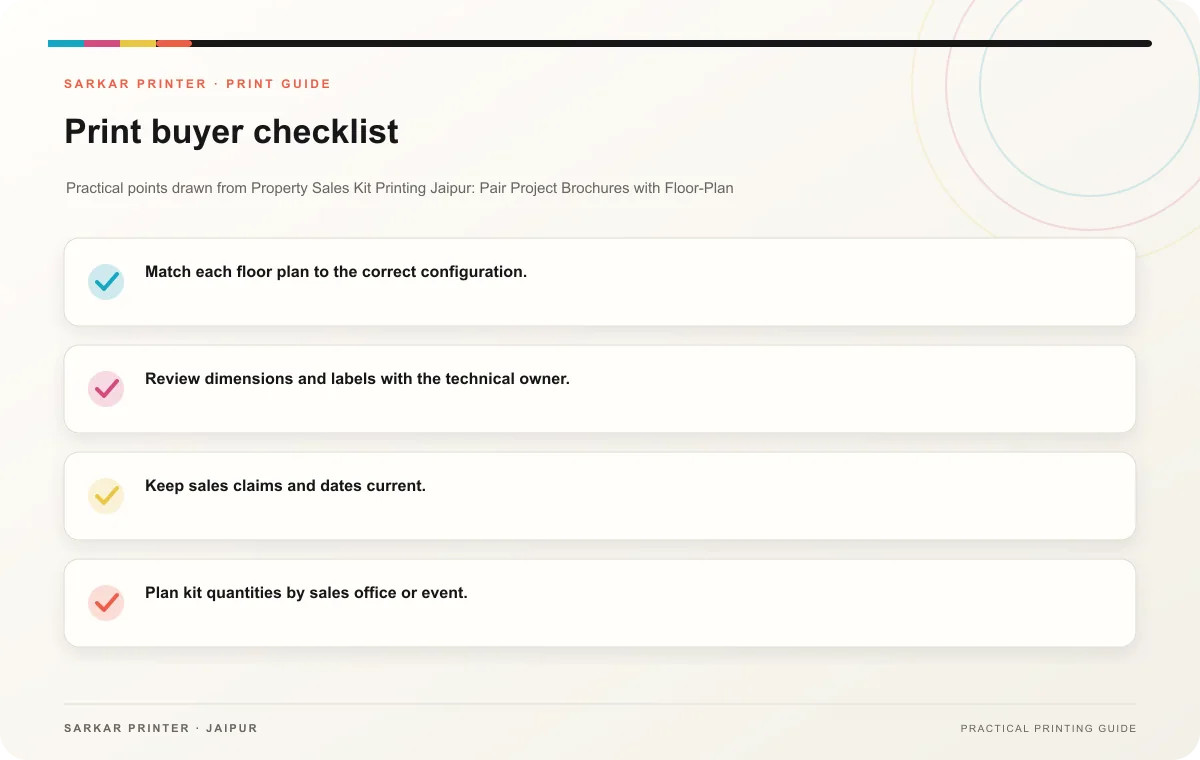
- Match each floor plan to the correct configuration.
- Review dimensions and labels with the technical owner.
- Keep sales claims and dates current.
- Plan kit quantities by sales office or event.
- Check the assembled folder for fit and quick retrieval.
Coordinate production with the sales schedule
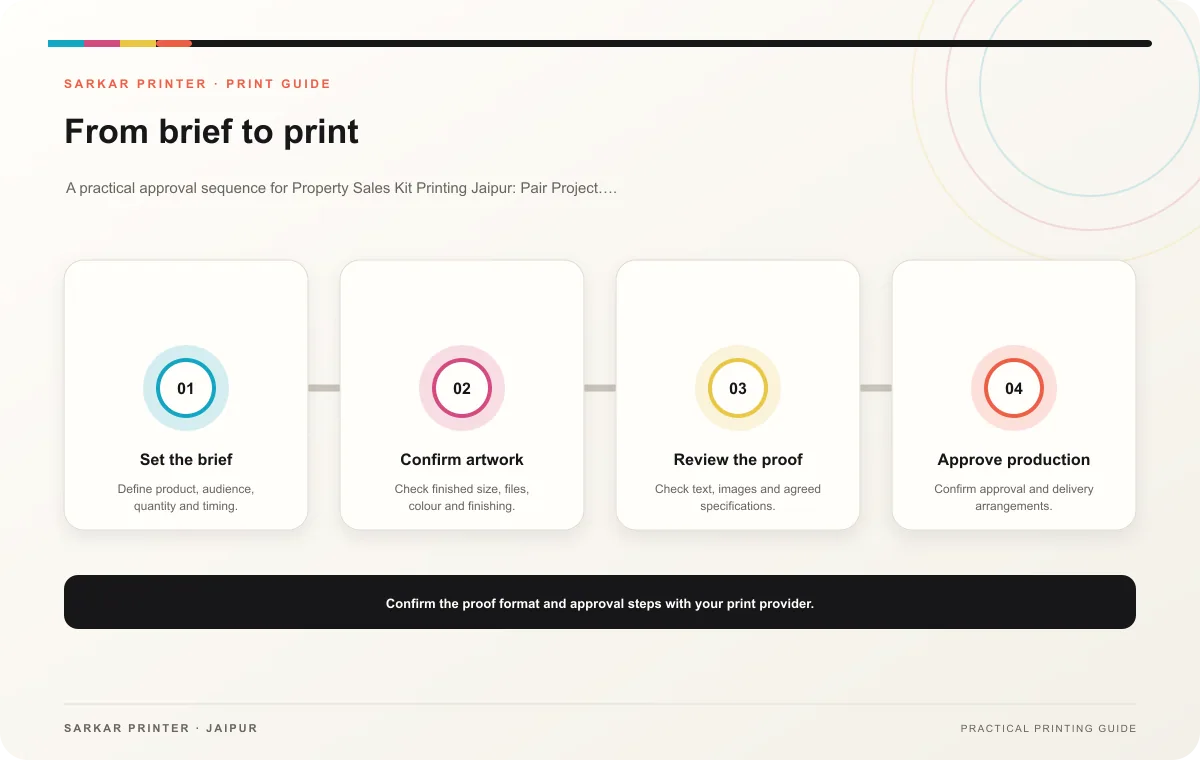
Share the brochure size and page count, plan sheet dimensions, folder design, quantities, paper, finishing and in-hand date. Ask the printer to quote the components and assembly separately if that helps comparison. Review the full kit as a sales representative would handle it before approval.
Print planning checklist
| Topic | Key point | Check before approval |
|---|---|---|
| Give the brochure and plans separate roles | Use the brochure to introduce the project, location and buyer journey. Use the floor-plan sheets to show layouts, dimensions and labels at a legible size. If a buyer needs to compare… | Record the agreed choice in the approved print brief. |
| Make the kit easy to use in a meeting | Choose a folder or sleeve that holds the brochure and loose plans securely. Give each sheet a clear project and configuration label. Add a route for follow-up questions, such as an… | Record the agreed choice in the approved print brief. |
| Coordinate production with the sales schedule | Share the brochure size and page count, plan sheet dimensions, folder design, quantities, paper, finishing and in-hand date. Ask the printer to quote the components and assembly… | Confirm the dispatch date and delivery location before accepting the schedule. |
CONTINUE THE PRINT PLAN
Keep the next step useful.
Explore the service page or related drafts, then send the agreed brief to the print team.
Frequently asked questions
Should the design team print plans inside the brochure?
Loose sheets can make comparison easier; integrated pages can suit a compact kit. Choose based on how buyers will use the information.
Can the same kit serve every project?
A shared folder system can support the brand, while project-specific brochures and plans keep facts accurate.
What should the team check before printing?
Verify configuration labels, dimensions, approved claims, contact route and assembled fit.