
A product launch leaflet has to introduce a new offer and give a buyer enough information to take the next step. Product launch leaflet printing starts with a controlled set of product facts, not a crowded layout.
Choose the information buyers need
List the product name, main use, differentiating features, specifications, availability and support route. Then decide what belongs on the leaflet and what should live on a product page. Short, concrete descriptions help the reader compare; unsupported superlatives make the promise harder to trust.
Organize the sequence from benefit to evidence to action. A cover or lead panel can state the use case. The inside can show key specifications or options. A final panel can provide a website, email, QR code or sales contact. Make sure each claim has an owner who can verify it before release.
Plan for versions and changing specifications
Launch materials can change as your team finalizes availability and product details. Add a version date to the source artwork and keep approved copy separate from earlier drafts. If regional variants need different contact details, create labelled files and compare them during proofing instead of changing one master informally.
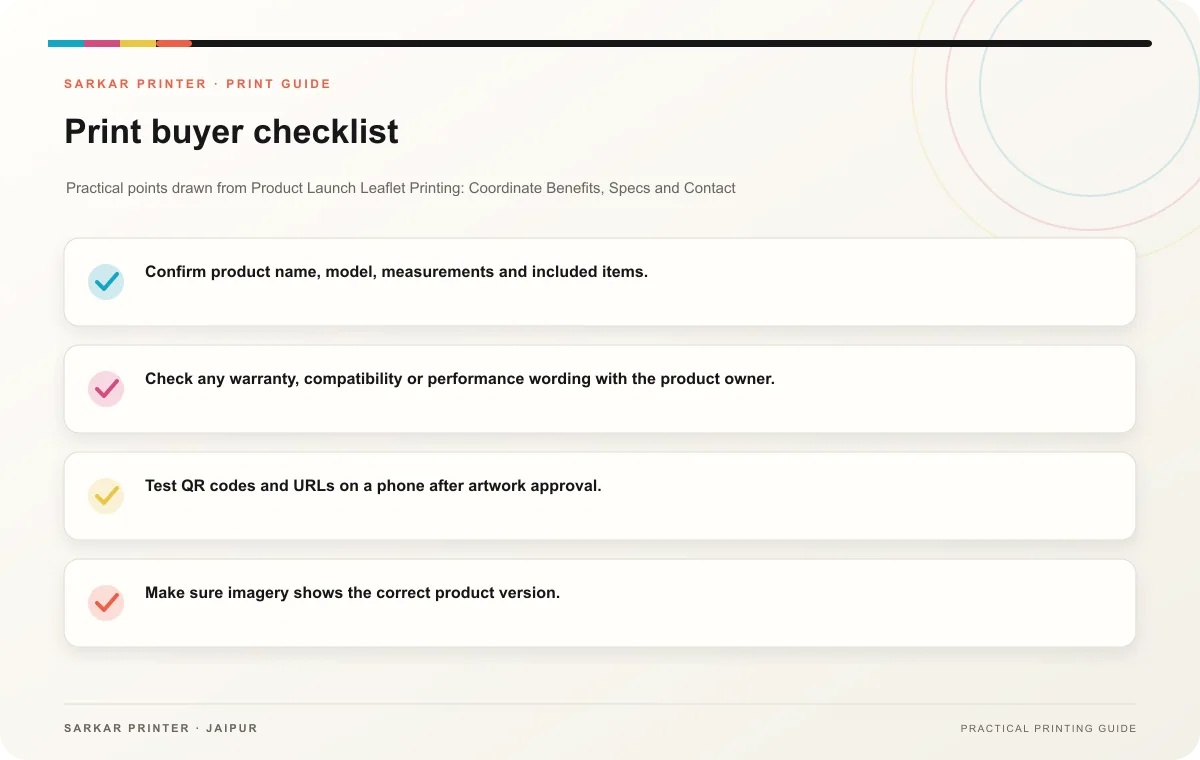
- Confirm product name, model, measurements and included items.
- Check any warranty, compatibility or performance wording with the product owner.
- Test QR codes and URLs on a phone after artwork approval.
- Make sure imagery shows the correct product version.
- Use one final proof to check copy, colour, panel order and contact route.
Send a specific print brief
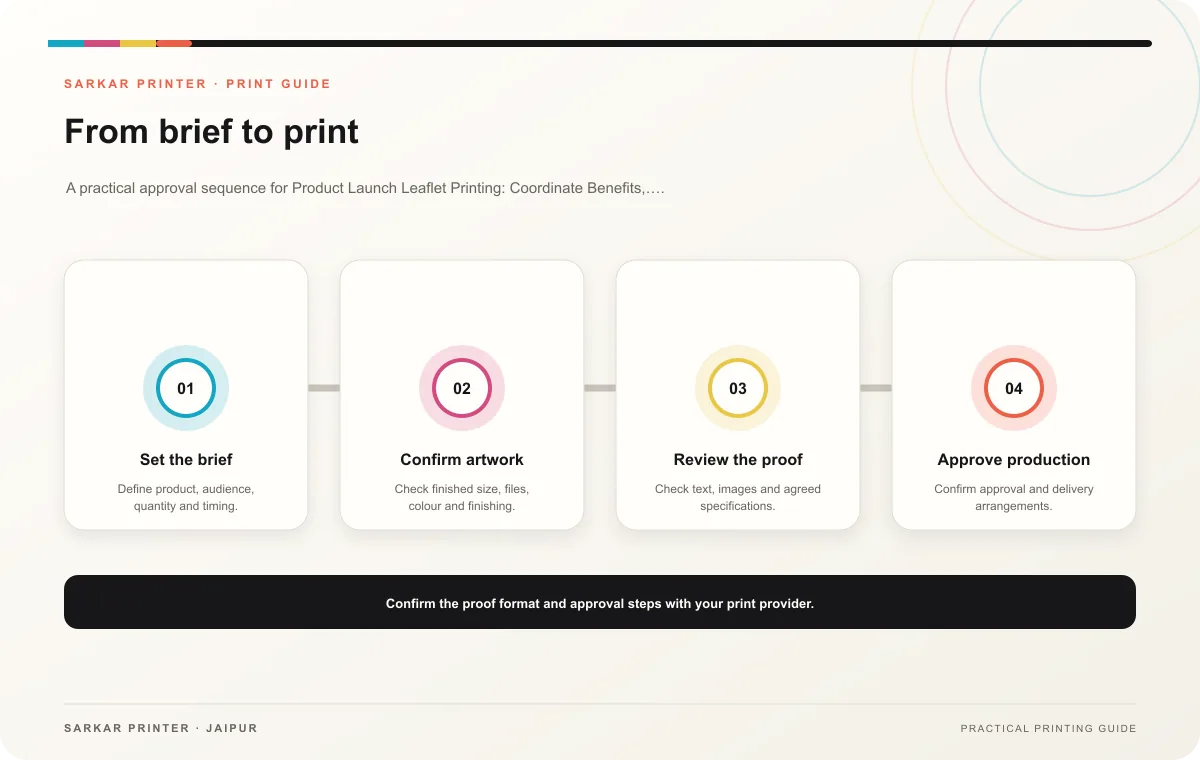
Tell the printer the finished dimensions, fold, quantity, paper preference, finish and required delivery date. Share fonts and linked images if the production team requests them. Ask how the proof will show folds and panel order, then have marketing and product staff review the same version.
Print planning checklist
| Topic | Key point | Check before approval |
|---|---|---|
| Choose the information buyers need | List the product name, main use, differentiating features, specifications, availability and support route. Then decide what belongs on the leaflet and what should live on a product page.… | Record the agreed choice in the approved print brief. |
| Plan for versions and changing specifications | Launch materials can change as your team finalizes availability and product details. Add a version date to the source artwork and keep approved copy separate from earlier drafts. If… | Record the agreed choice in the approved print brief. |
| Send a specific print brief | Tell the printer the finished dimensions, fold, quantity, paper preference, finish and required delivery date. Share fonts and linked images if the production team requests them. Ask how… | Record the agreed choice in the approved print brief. |
CONTINUE THE PRINT PLAN
Keep the next step useful.
Explore the service page or related drafts, then send the agreed brief to the print team.
Frequently asked questions
Should every specification go in the leaflet?
Include details that help a buyer understand or compare the product. Move long technical tables to a linked page when they would make the print piece difficult to scan.
When should a launch leaflet go to print?
Use a schedule that leaves time for product approval, artwork review, corrections and the printer’s confirmed production window.
What is the most important proof check?
Compare product claims and specifications against the approved source, then test every contact route.