
A product label reprint can be simple when the business verifies that the artwork, product details and production specification still match. Use this product label reprint checklist to catch small changes before a repeat order.
Confirm the content version
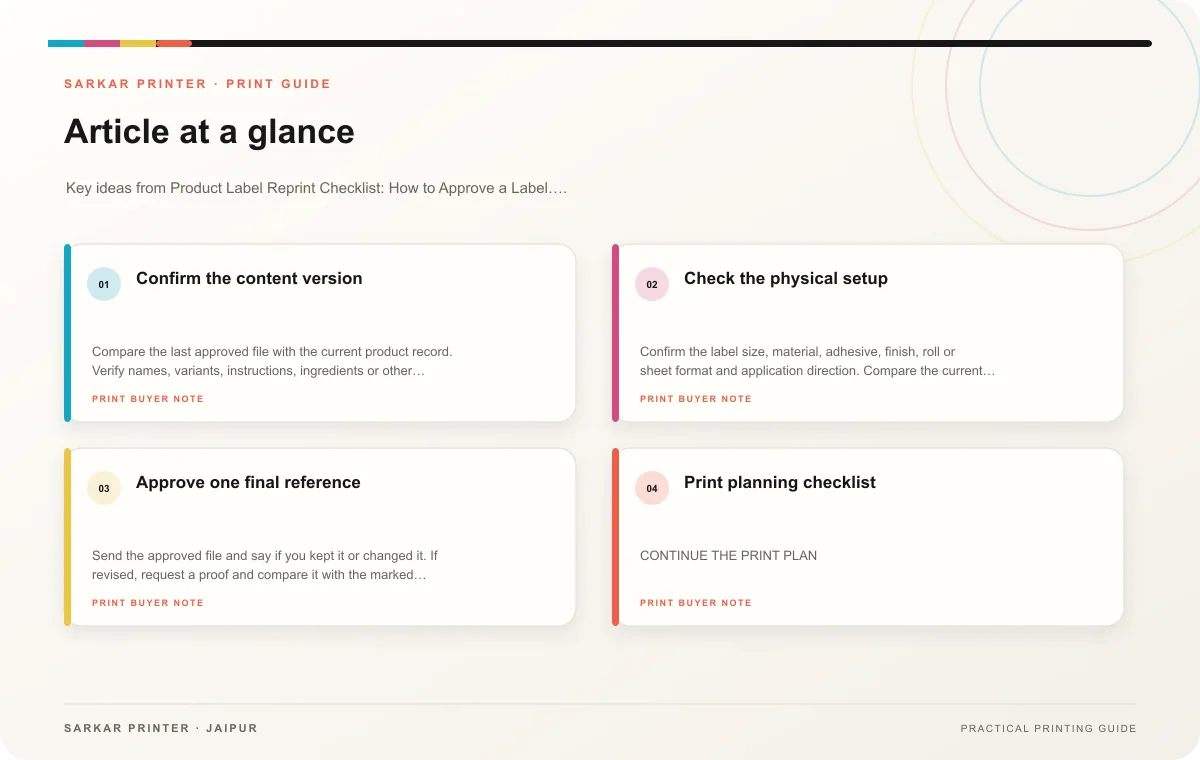
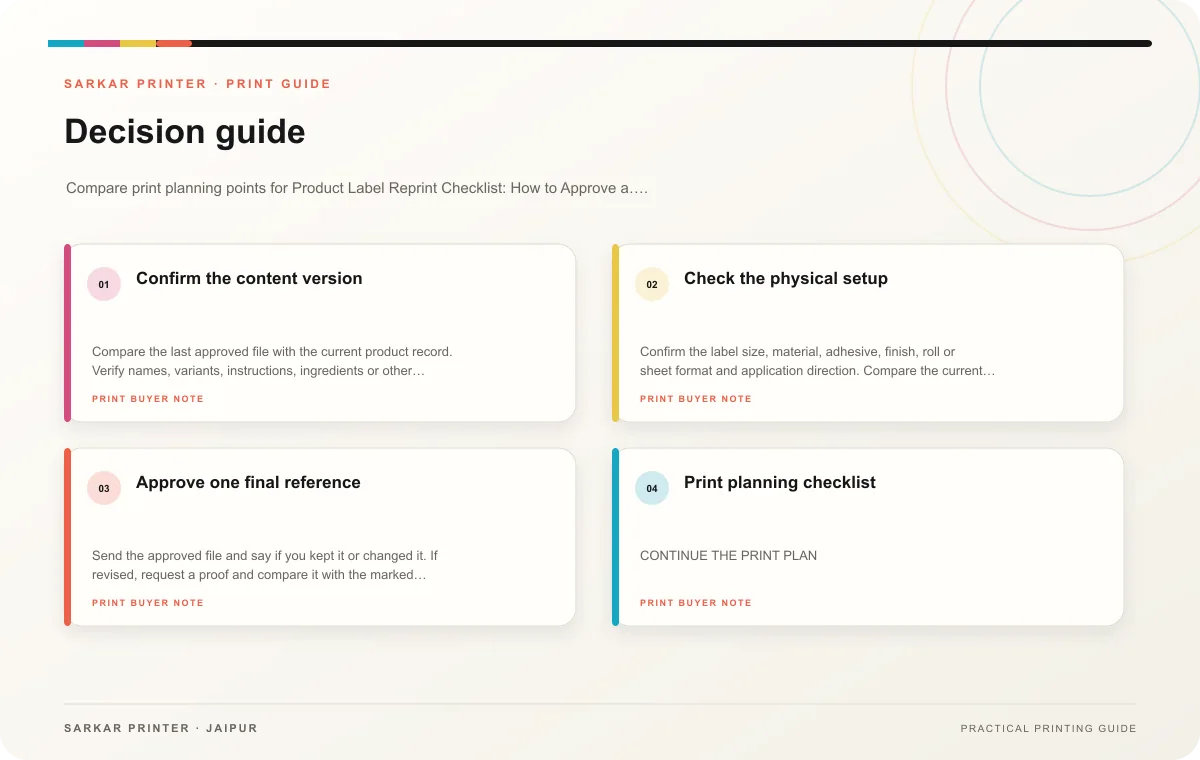
Compare the last approved file with the current product record. Verify names, variants, instructions, ingredients or other approved product information, contact details and any printed codes. Have the responsible product or compliance owner review the text. A reprint order should not silently carry forward a detail that has changed.
Check the barcode or QR destination and the data behind it. For a QR code, test the live destination on a phone. For a machine-readable product code, confirm the identifier with the data owner and follow any retailer verification requirements. If the code or product variant changed, update the artwork version and proof the change.
Check the physical setup
Confirm the label size, material, adhesive, finish, roll or sheet format and application direction. Compare the current package with the prior sample. A container or supplier change may affect fit, even if the label design appears unchanged.
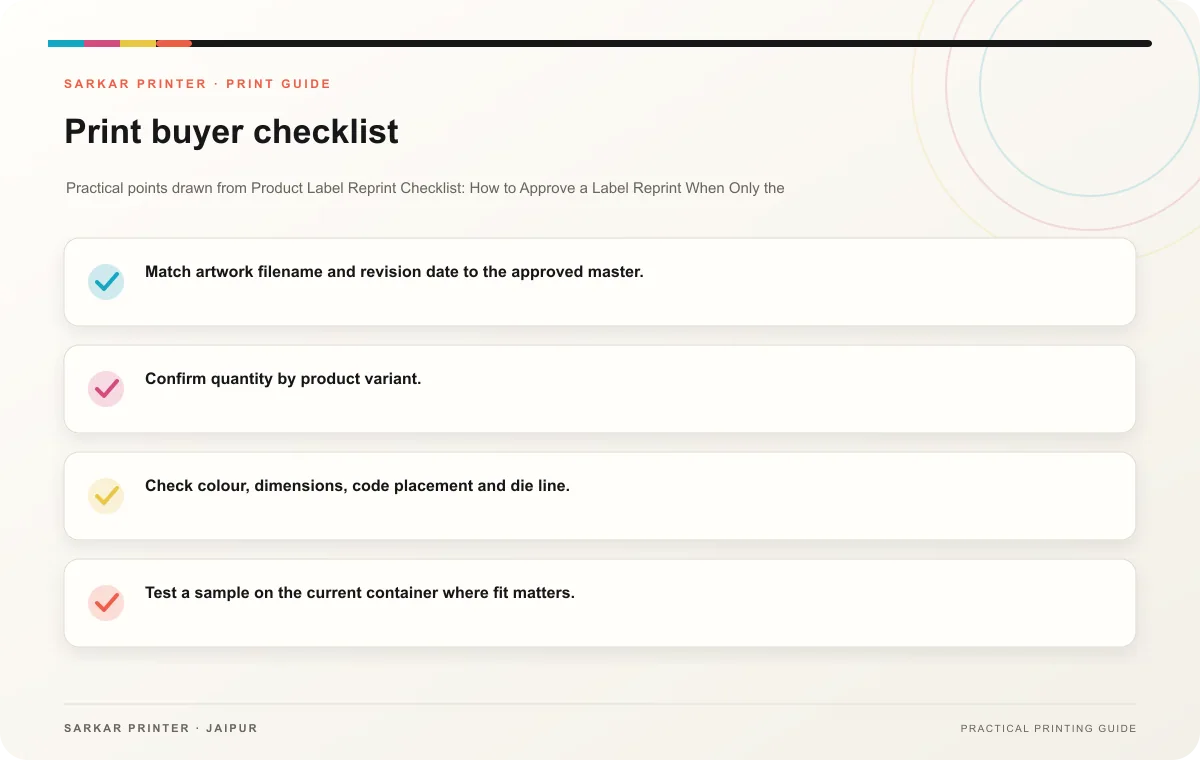
- Match artwork filename and revision date to the approved master.
- Confirm quantity by product variant.
- Check colour, dimensions, code placement and die line.
- Test a sample on the current container where fit matters.
- Tell the printer whether any content or material changed.
Approve one final reference
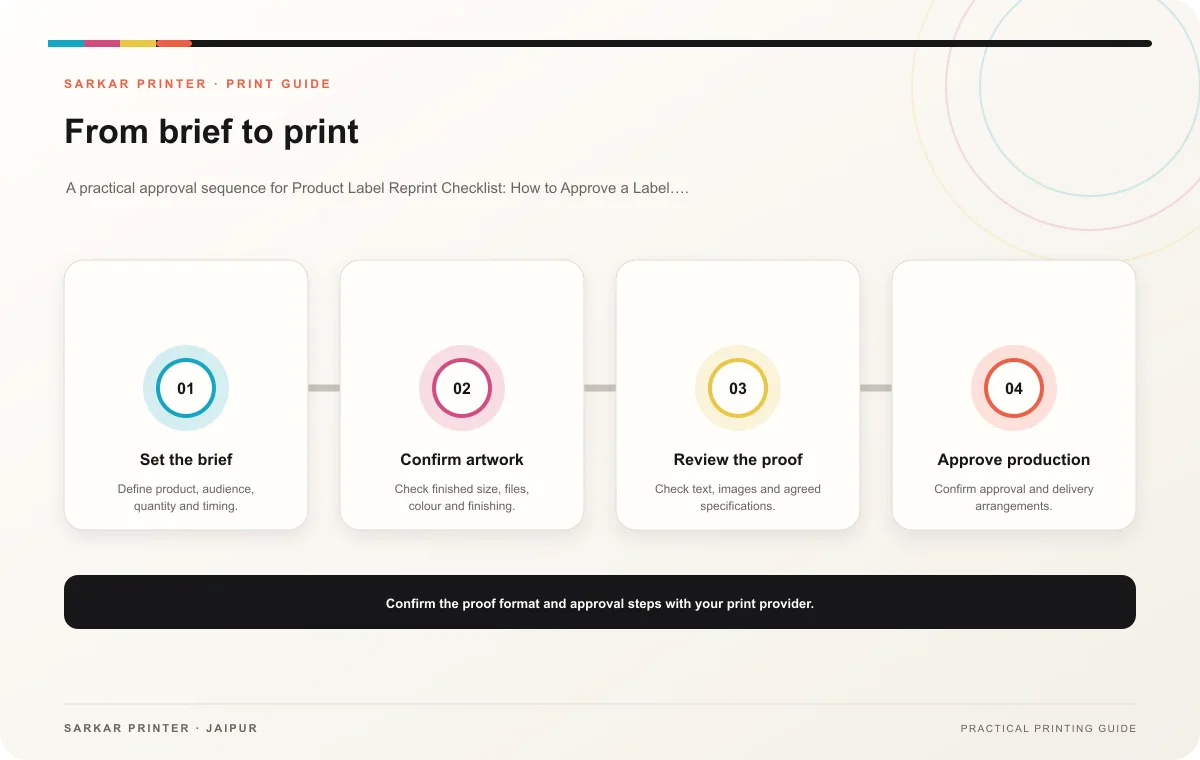
Send the approved file and say if you kept it or changed it. If revised, request a proof and compare it with the marked changes. Save the final approval and job specification together; this makes the next repeat order easier to verify.
Print planning checklist
| Topic | Key point | Check before approval |
|---|---|---|
| Confirm the content version | Compare the last approved file with the current product record. Verify names, variants, instructions, ingredients or other approved product information, contact details and any printed… | Record the agreed choice in the approved print brief. |
| Check the physical setup | Confirm the label size, material, adhesive, finish, roll or sheet format and application direction. Compare the current package with the prior sample. A container or supplier change may… | Record the agreed choice in the approved print brief. |
| Approve one final reference | Send the approved file and say if you kept it or changed it. If revised, request a proof and compare it with the marked changes. Save the final approval and job specification together;… | Record the agreed choice in the approved print brief. |
CONTINUE THE PRINT PLAN
Keep the next step useful.
Explore the service page or related drafts, then send the agreed brief to the print team.
Frequently asked questions
Can the printer reprint from a previous job?
Ask the printer which file and specification they have on record, then verify it against your current approved master.
Do unchanged labels need a new proof?
Confirm the printer’s process and whether the existing approved file and specification remain available.
Who signs off a label reprint?
The owner responsible for product details and any regulated copy should approve the current version.