
A print artwork revision workflow gives designers, reviewers and printers one shared route from draft to approval. Clear responsibilities reduce duplicated edits and make it easier to tell which version can enter production.
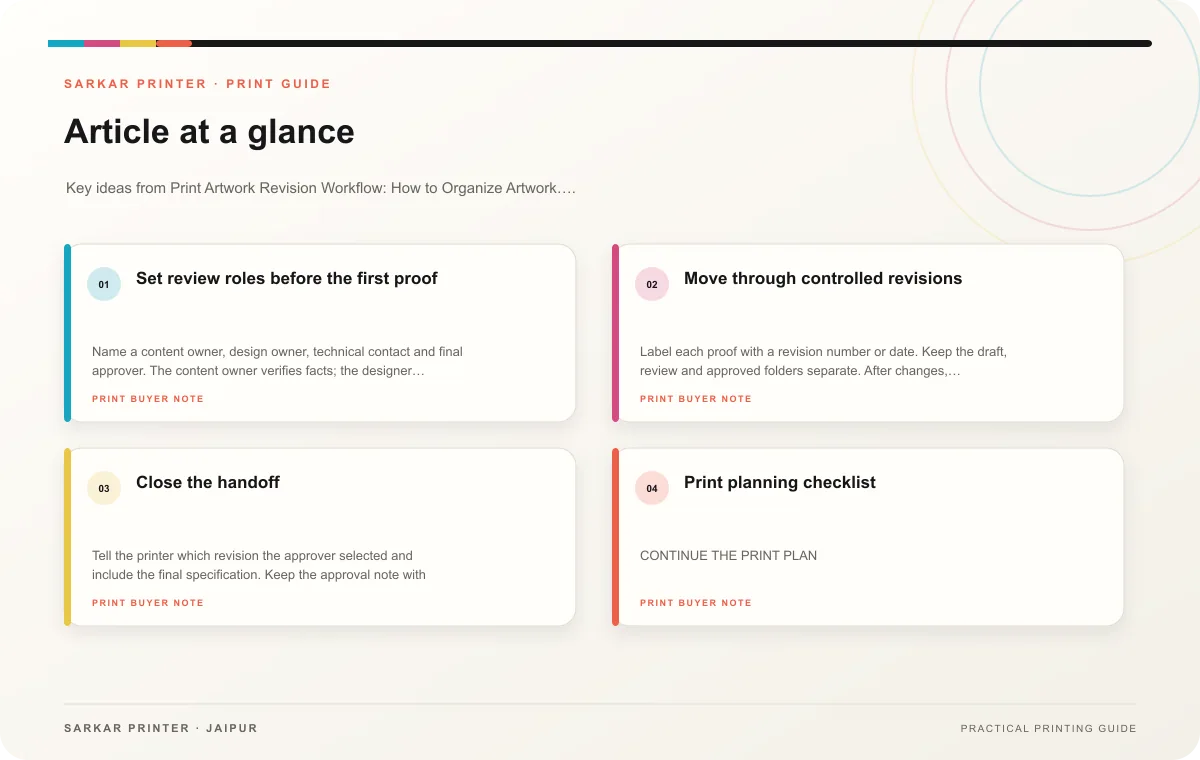
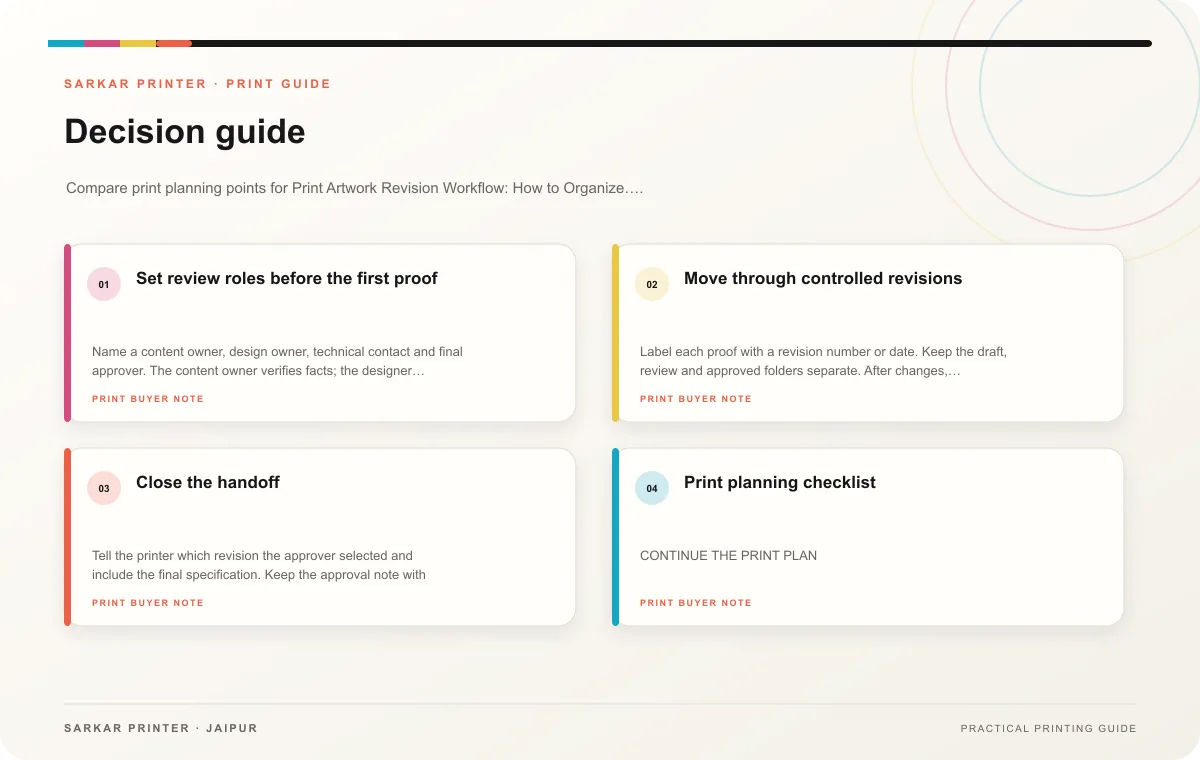
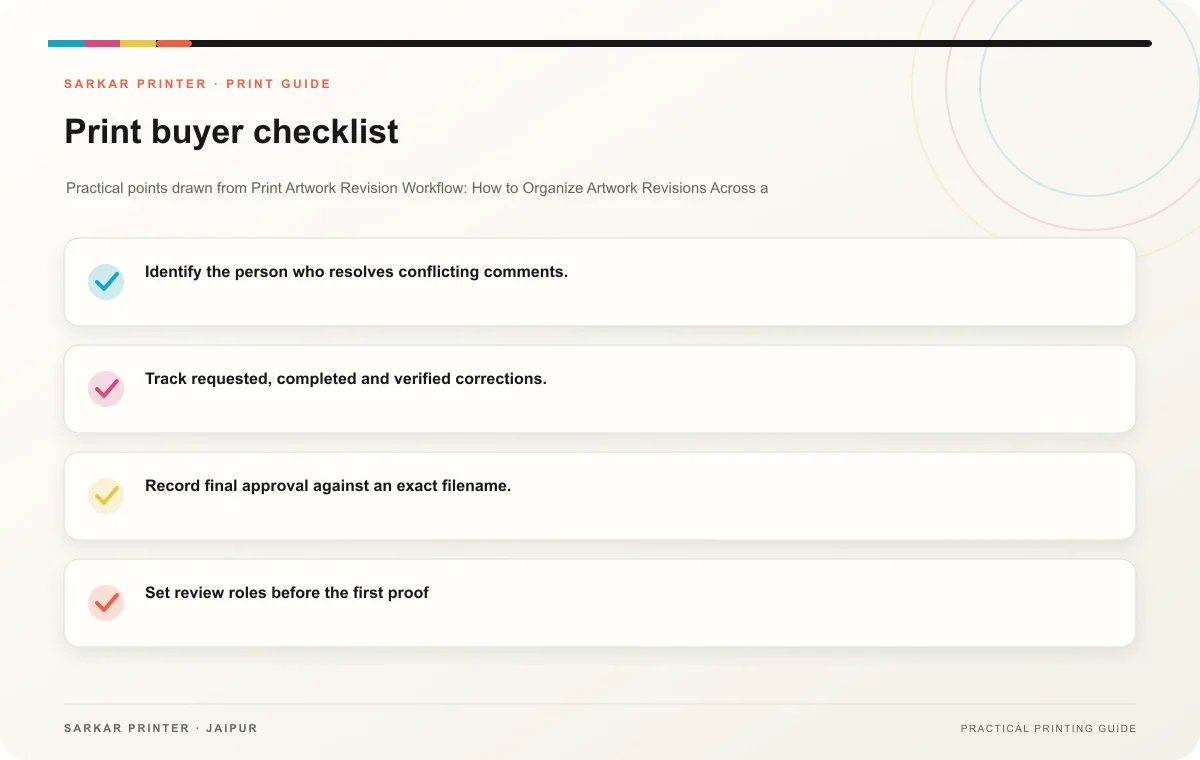
Set review roles before the first proof
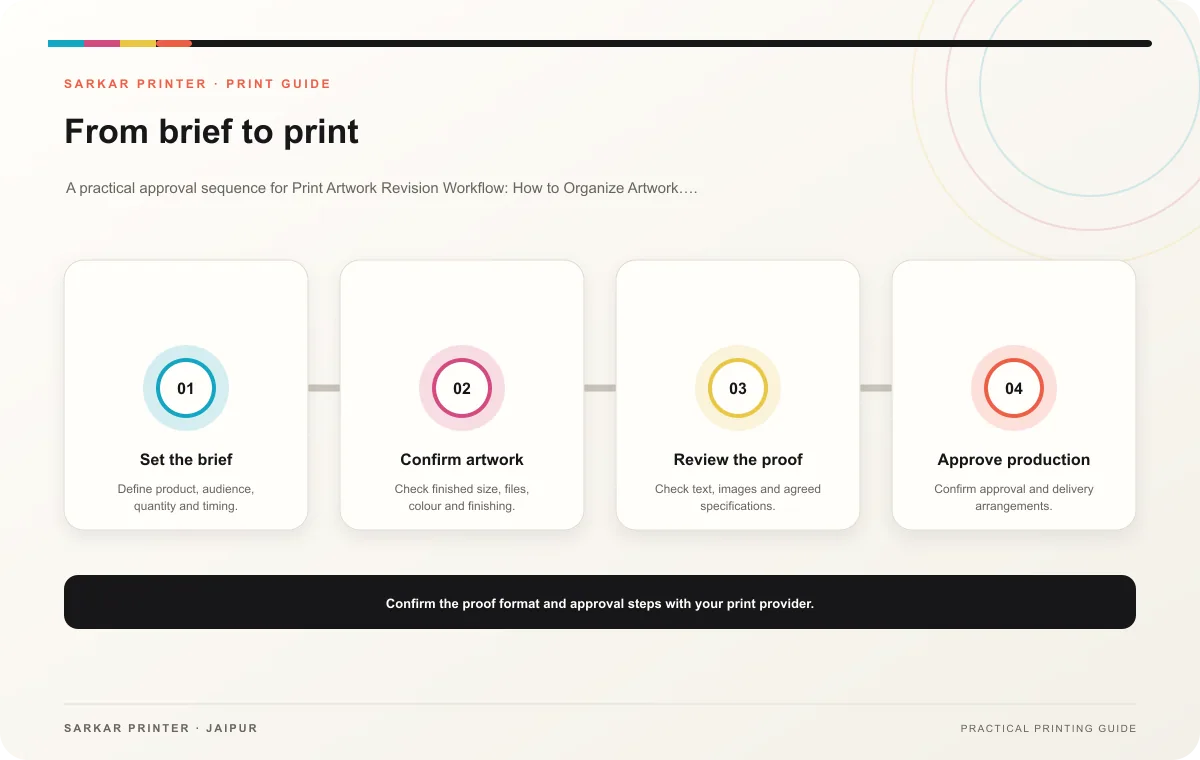
Name a content owner, design owner, technical contact and final approver. The content owner verifies facts; the designer updates layout; the printer flags production concerns; the approver authorizes the final file. One person can cover several roles, but responsibilities should remain clear.
Agree on who will collect feedback and where they will record it. Use one marked proof or correction list for each round, and give reviewers a deadline. Ask reviewers to identify page, location, current text and requested change. Resolve conflicting suggestions before the designer makes the next version.
Move through controlled revisions
Label each proof with a revision number or date. Keep the draft, review and approved folders separate. After changes, compare the new file against the correction list and recheck the affected pages. If a change alters price, product data or an approved statement, return it to the relevant owner.
- Collect feedback in one place.
- Identify the person who resolves conflicting comments.
- Track requested, completed and verified corrections.
- Mark old versions as superseded.
- Record final approval against an exact filename.
Close the handoff
Tell the printer which revision the approver selected and include the final specification. Keep the approval note with the artwork and quote. If new changes arrive after approval, reopen the workflow with a fresh revision instead of editing the production file silently.
Print planning checklist
| Topic | Key point | Check before approval |
|---|---|---|
| Set review roles before the first proof | Name a content owner, design owner, technical contact and final approver. The content owner verifies facts; the designer updates layout; the printer flags production concerns; the… | Review one dated proof under suitable light before approval. |
| Move through controlled revisions | Label each proof with a revision number or date. Keep the draft, review and approved folders separate. After changes, compare the new file against the correction list and recheck the… | Record the agreed choice in the approved print brief. |
| Close the handoff | Tell the printer which revision the approver selected and include the final specification. Keep the approval note with the artwork and quote. If new changes arrive after approval, reopen… | Record the agreed choice in the approved print brief. |
CONTINUE THE PRINT PLAN
Keep the next step useful.
Explore the service page or related drafts, then send the agreed brief to the print team.
Frequently asked questions
Should reviewers edit the design file directly?
Use the agreed feedback method so edits stay traceable and do not overwrite the approved source.
How do we keep approvals moving?
Give every reviewer a defined role and deadline, then assign one coordinator to consolidate comments.
When does a revision become final?
When the authorized approver confirms the exact corrected file for production.