
A packaging insert gives a customer information or a next step inside the order. Packaging insert printing should support the unboxing without adding unnecessary clutter or contradicting the main package.
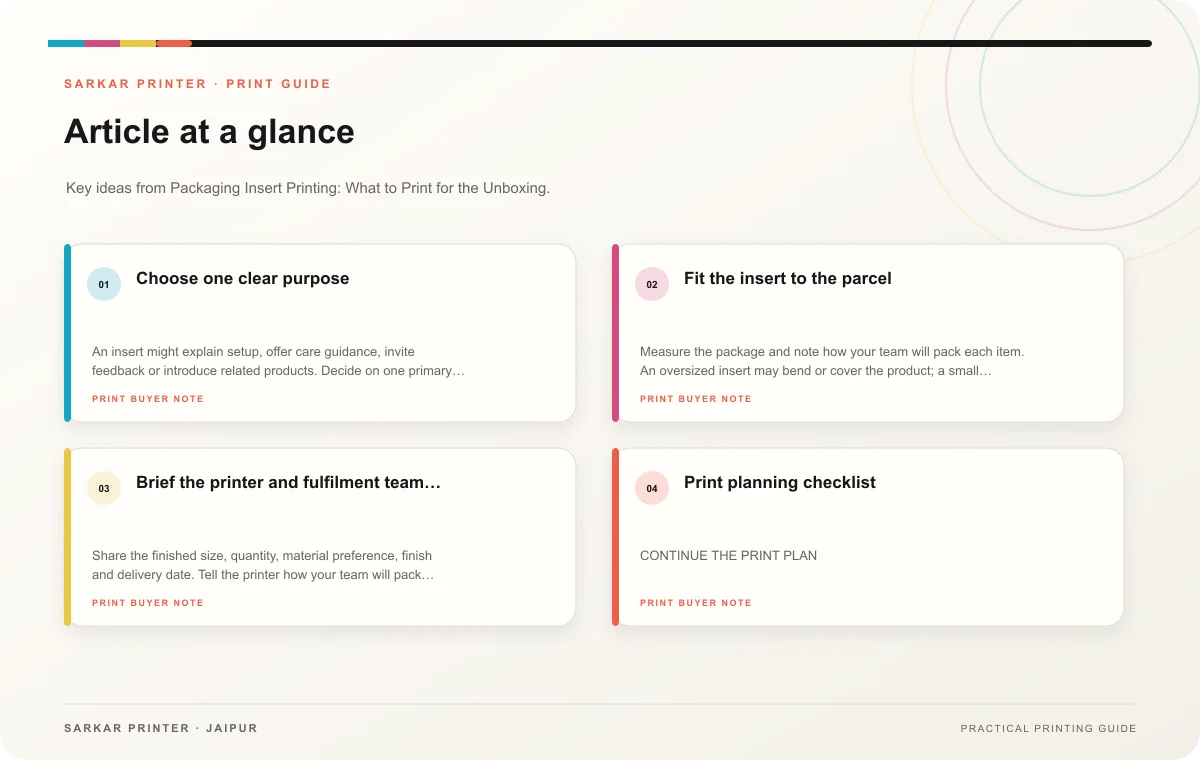
Choose one clear purpose
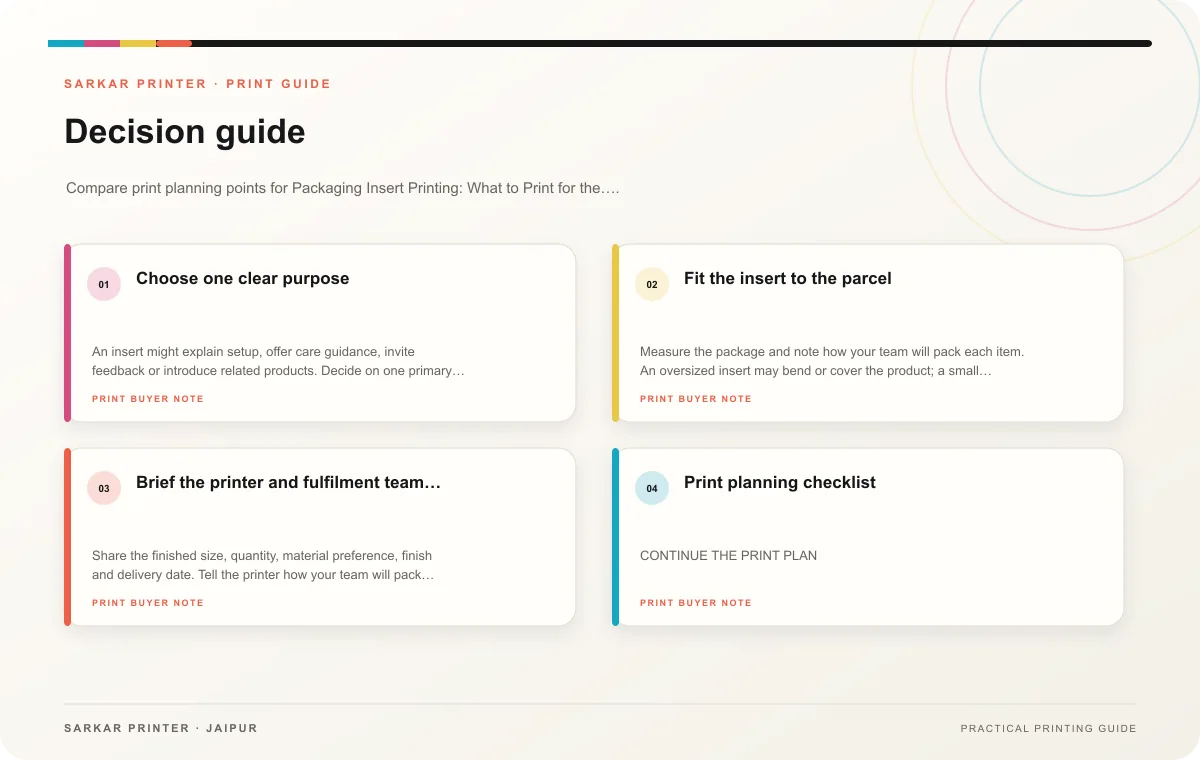
An insert might explain setup, offer care guidance, invite feedback or introduce related products. Decide on one primary action and shape the copy around it. If the insert includes a discount or campaign, confirm the terms, dates and destination with the marketing owner before design.
Make the piece match the package and the product. A setup card may need a diagram and short numbered steps. A thank-you note can stay brief and personal. A product card can show a small range with a clear link to details. Use QR codes only when the linked mobile page adds value and will remain available for the planned distribution period.
Fit the insert to the parcel
Measure the package and note how your team will pack each item. An oversized insert may bend or cover the product; a small card can disappear among packing material. Ask the fulfilment team to test the placement inside a sample parcel. Decide whether customers should notice the piece first, keep it attached, or use it with a sleeve.
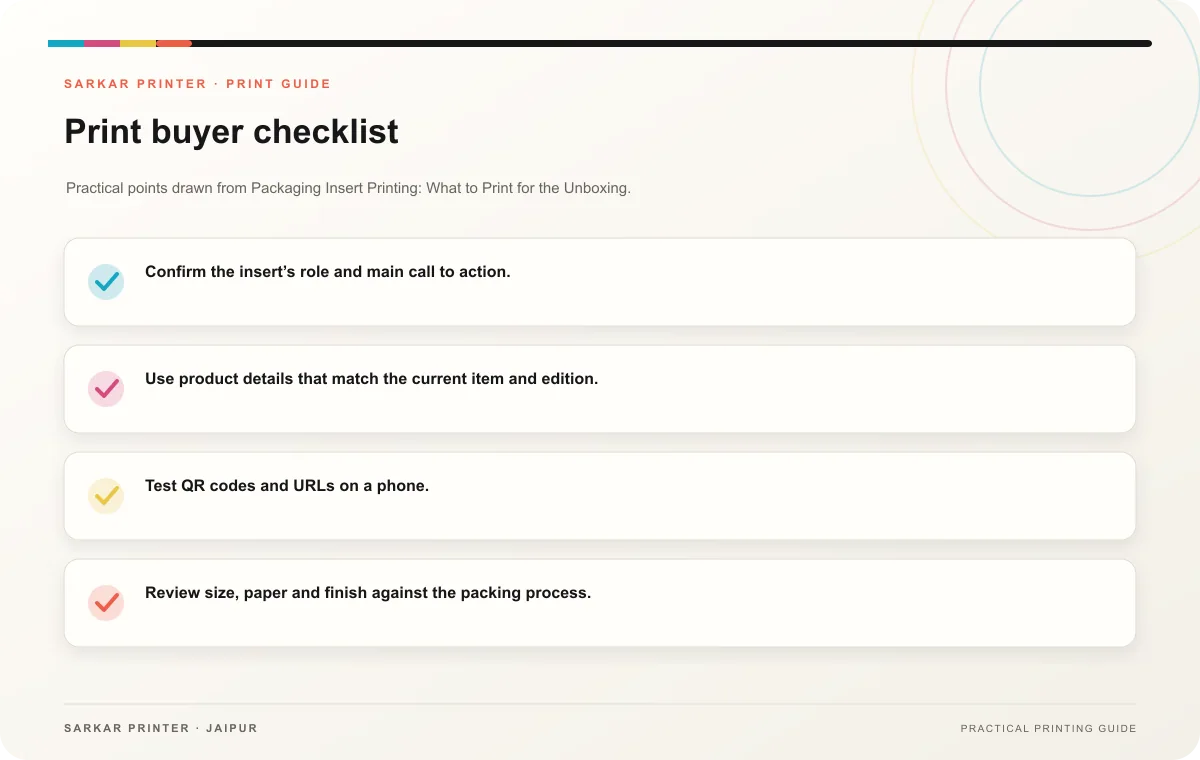
- Confirm the insert’s role and main call to action.
- Use product details that match the current item and edition.
- Test QR codes and URLs on a phone.
- Review size, paper and finish against the packing process.
- Calculate quantity from order volume and planned inclusions.
Brief the printer and fulfilment team together
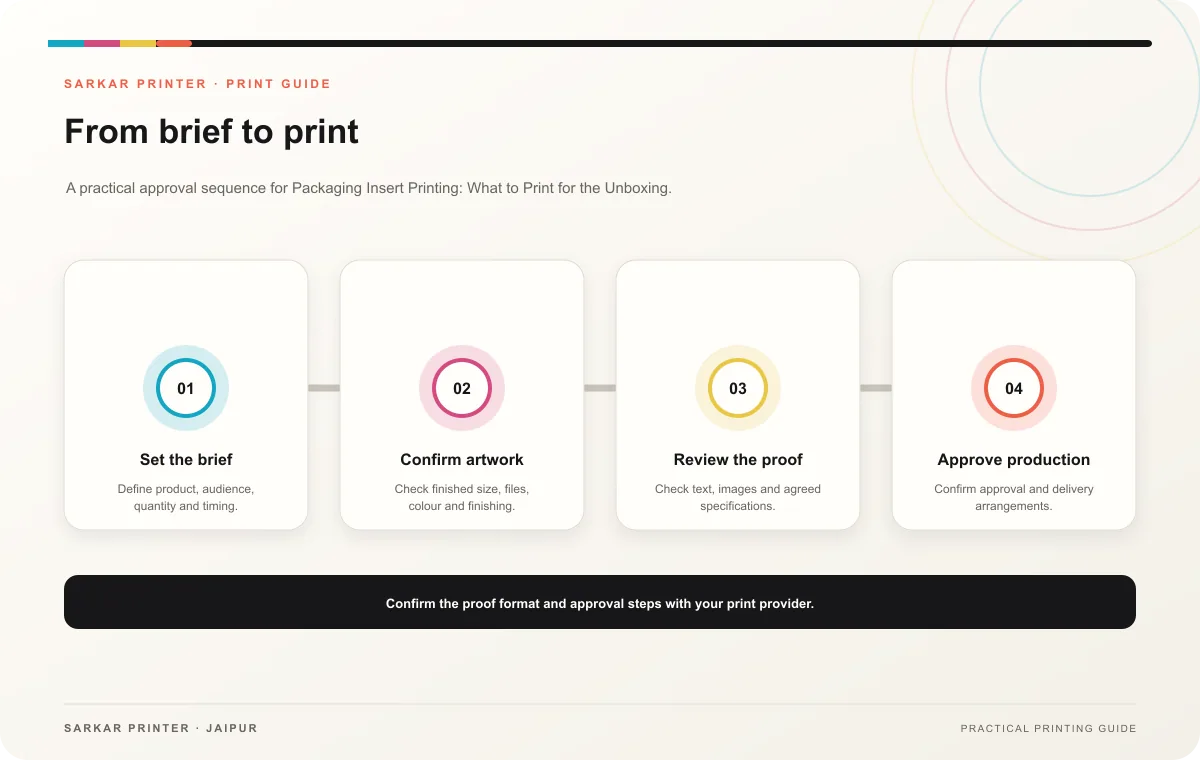
Share the finished size, quantity, material preference, finish and delivery date. Tell the printer how your team will pack the insert, then ask fulfilment to approve a sample. This catches issues with size or placement before producing a large batch.
Print planning checklist
| Topic | Key point | Check before approval |
|---|---|---|
| Choose one clear purpose | An insert might explain setup, offer care guidance, invite feedback or introduce related products. Decide on one primary action and shape the copy around it. If the insert includes a… | Record the audience and main message in the print brief. |
| Fit the insert to the parcel | Measure the package and note how your team will pack each item. An oversized insert may bend or cover the product; a small card can disappear among packing material. Ask the fulfilment… | Record the agreed choice in the approved print brief. |
| Brief the printer and fulfilment team together | Share the finished size, quantity, material preference, finish and delivery date. Tell the printer how your team will pack the insert, then ask fulfilment to approve a sample. This… | Record the agreed choice in the approved print brief. |
CONTINUE THE PRINT PLAN
Keep the next step useful.
Explore the service page or related drafts, then send the agreed brief to the print team.
Frequently asked questions
What makes an insert useful?
It answers a customer question or provides a relevant next step with concise, accurate information.
Should every order include the same insert?
Use the same piece when it fits every product and audience; use variants when instructions or offers differ.
How can we test the fit?
Place a printed sample into a packed parcel and follow the normal fulfilment steps.