
Paper surface changes the way a printed piece looks and feels. Coated stock has a surface treatment that can create a smoother finish, while uncoated stock keeps a more natural, absorbent feel. The right choice depends on artwork, reading experience, writing needs, finish and budget. Ask for a sample or proof when paper choice matters to the brand result. Control pressroom tonal values, ink film density, and dot gain tolerances in accordance with ISO 12647 offset process control standards and Fogra graphic technology specifications.
How coated and uncoated surfaces differ
Coated paper has a mineral or polymer coating applied to its surface. Gloss, silk and matte options can produce different levels of sheen. Uncoated paper has no such coating, so its open surface tends to feel more natural and may absorb ink differently.
Neither option is automatically better. The result depends on paper grade, ink coverage, artwork, press settings and viewing conditions.
Consider photographs, colour and fine detail
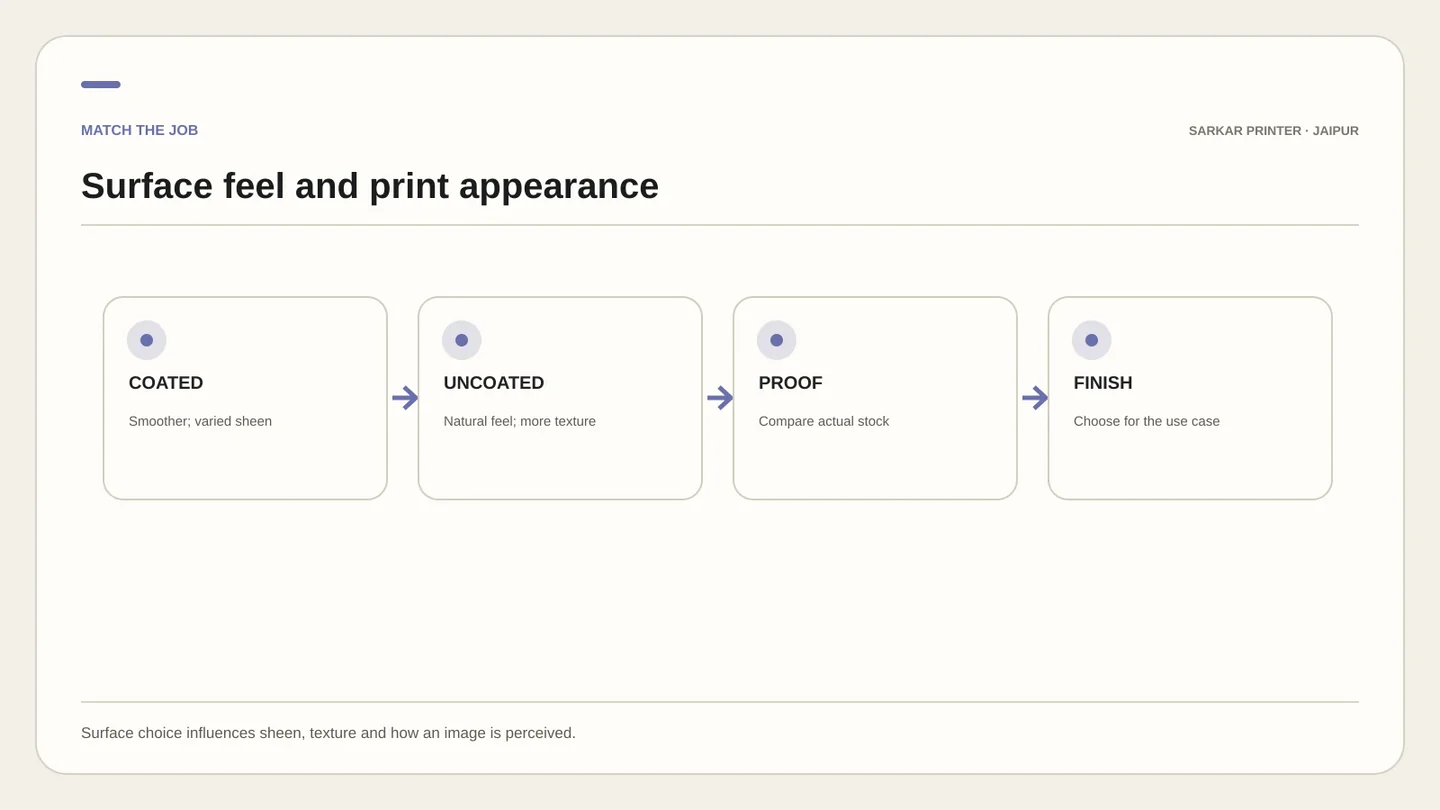
A smoother coated surface can show photographs and fine detail with a crisp appearance, while matte coating can reduce glare compared with gloss. Uncoated stock can give colours a softer, more absorbent look. These are general tendencies; paper shade, weight and ink coverage can change the outcome.
If a close brand colour matters, review a proof on the intended stock. A screen cannot fully predict how paper absorbs ink or reflects light.
Match writing needs and finishing
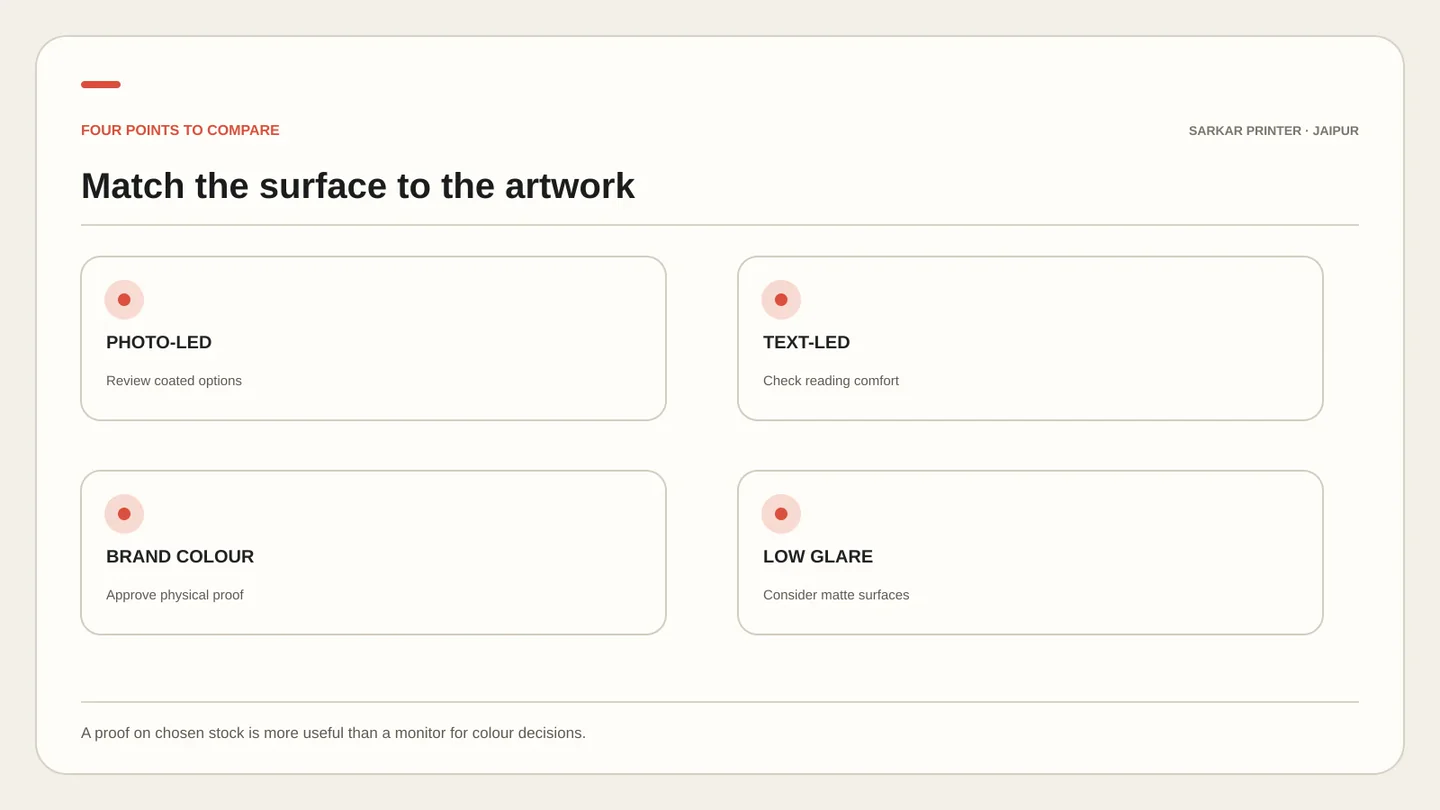
If recipients need to write on the printed piece, test the actual pen and paper combination. Some coated or laminated surfaces do not accept ordinary writing well without a suitable finish; uncoated stock is often easier to write on, but still needs a practical test.
Folding, scoring, lamination and binding also influence paper choice. Share intended finish and use with your printer before settling on stock.
Choose stock for the job, not the label
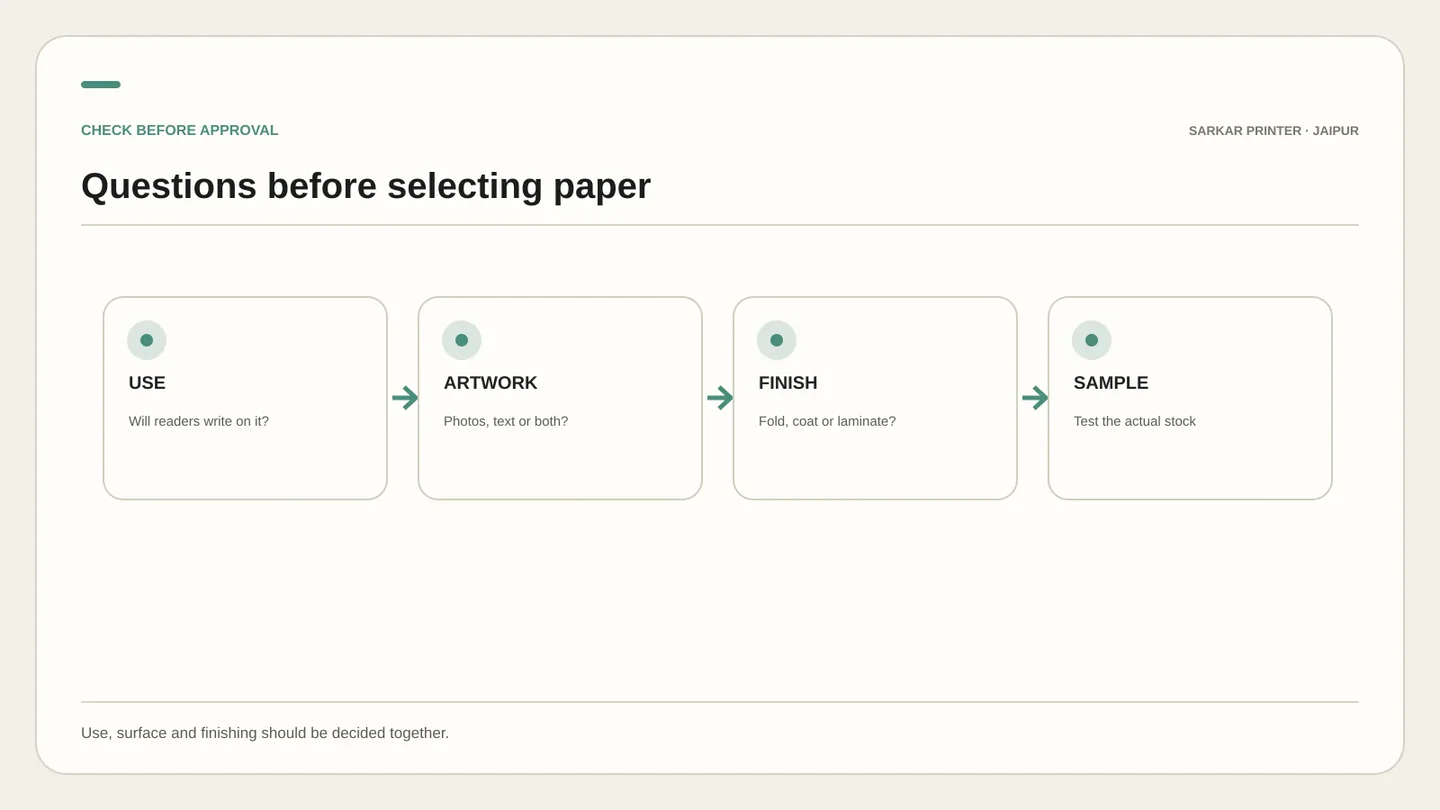
A photo-led brochure may suit a coated sheet; a letterhead, notebook or form that needs writing may suit an uncoated sheet. A premium product can use either surface when weight, shade and finish fit its visual direction.
Ask for paper samples, compare them under consistent light and confirm size and quantity. The printer can then confirm availability and production suitability.
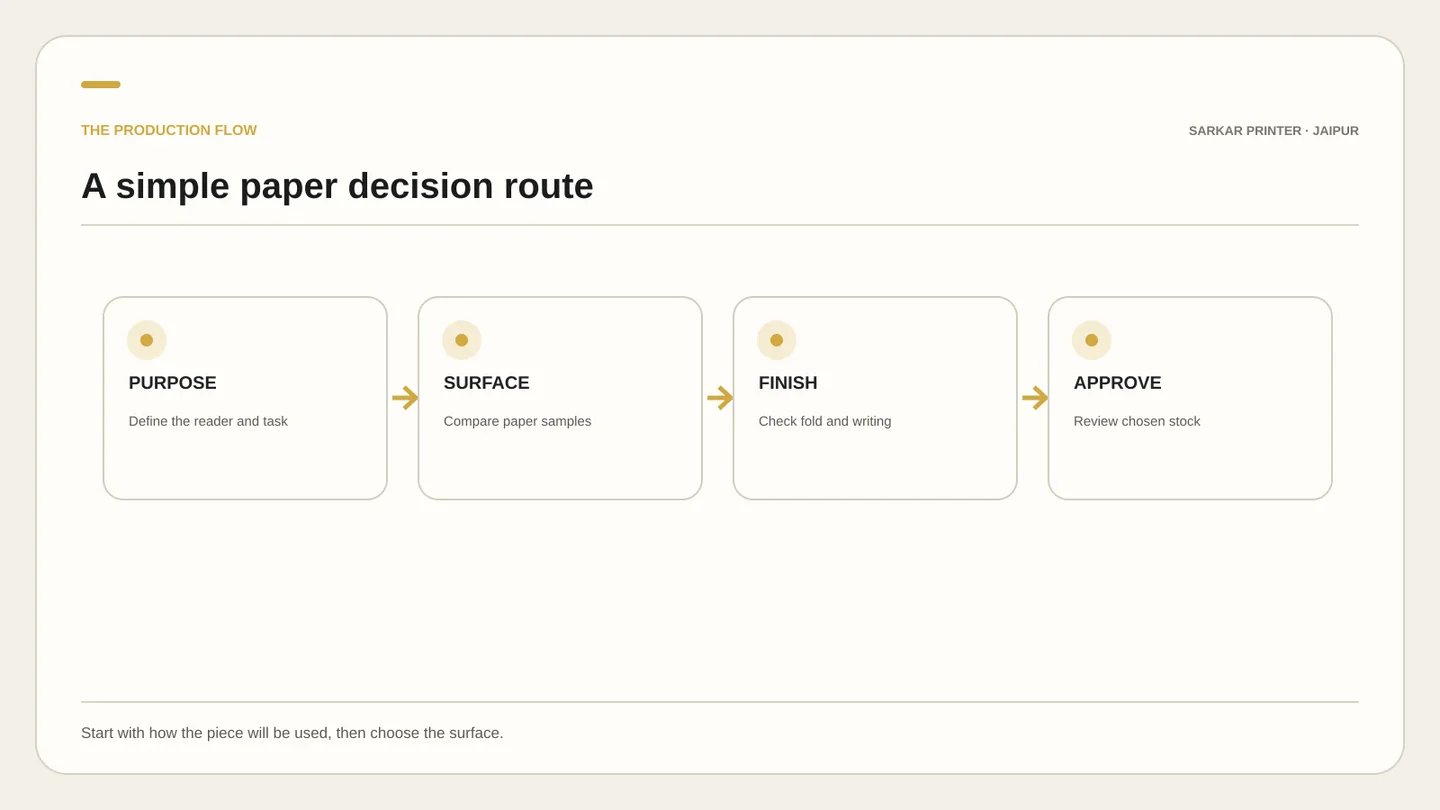
Paper surface decision guide
| Topic | Key point | Practical check |
|---|---|---|
| Coated | Smoother; gloss, silk or matte options | Photo-led brochures and promotions |
| Uncoated | Natural, tactile surface | Forms, notebooks and stationery |
| Matte coated | Smooth with less sheen than gloss | Images where glare should be reduced |
| Sample first | Feel and shade vary by stock | Colour or writing is important |
CONTINUE THE PRINT PLAN
Put the guide into practice.
Compare service details or ask our print team to review the requirements for your job.
Frequently asked questions
Is coated or uncoated paper better for brochures?
It depends on purpose. Coated paper can suit photo-led layouts; uncoated paper can suit a natural feel or writing. Compare samples before choosing.
Can I write on coated paper?
It depends on the coating and writing tool. Test the actual pen on the selected stock if readers need to fill in details.
Does coated paper always make colours brighter?
No. Surface, paper shade, ink coverage, finish and press settings all affect the result. Review a proof on the chosen paper for important colours.