
Good letterhead works as printed stationery and as a useful page for everyday office correspondence. Set the intended workflow first, then arrange the brand details, choose suitable paper and confirm the print file with a physical proof.
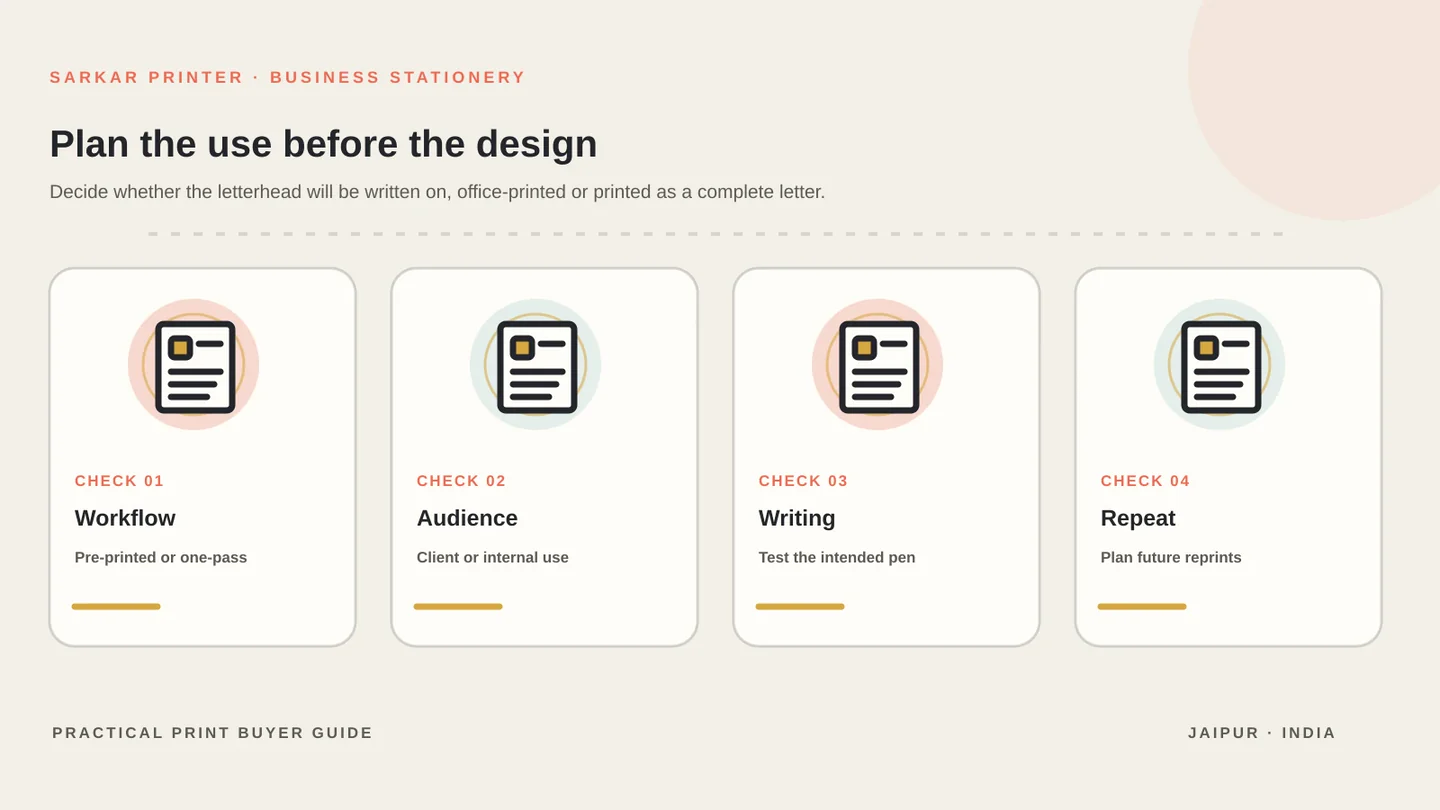
Define how the letterhead will be used
Good letterhead works in two settings: it represents the business when printed professionally, and it remains practical when staff add text or print a letter in the office. Decide which use matters most before you choose paper, colour coverage and layout.
Ask whether the letterhead will be pre-printed and later run through an office printer, or whether the complete letter will be printed in one pass. The second workflow may allow different paper or colour choices. If staff will write on it by hand, test whether the chosen finish accepts the pen or marker they use.
Set the intended page size, quantity, colour approach and replenishment plan in the brief. These choices help the print partner recommend a layout that will be easy to reproduce later.
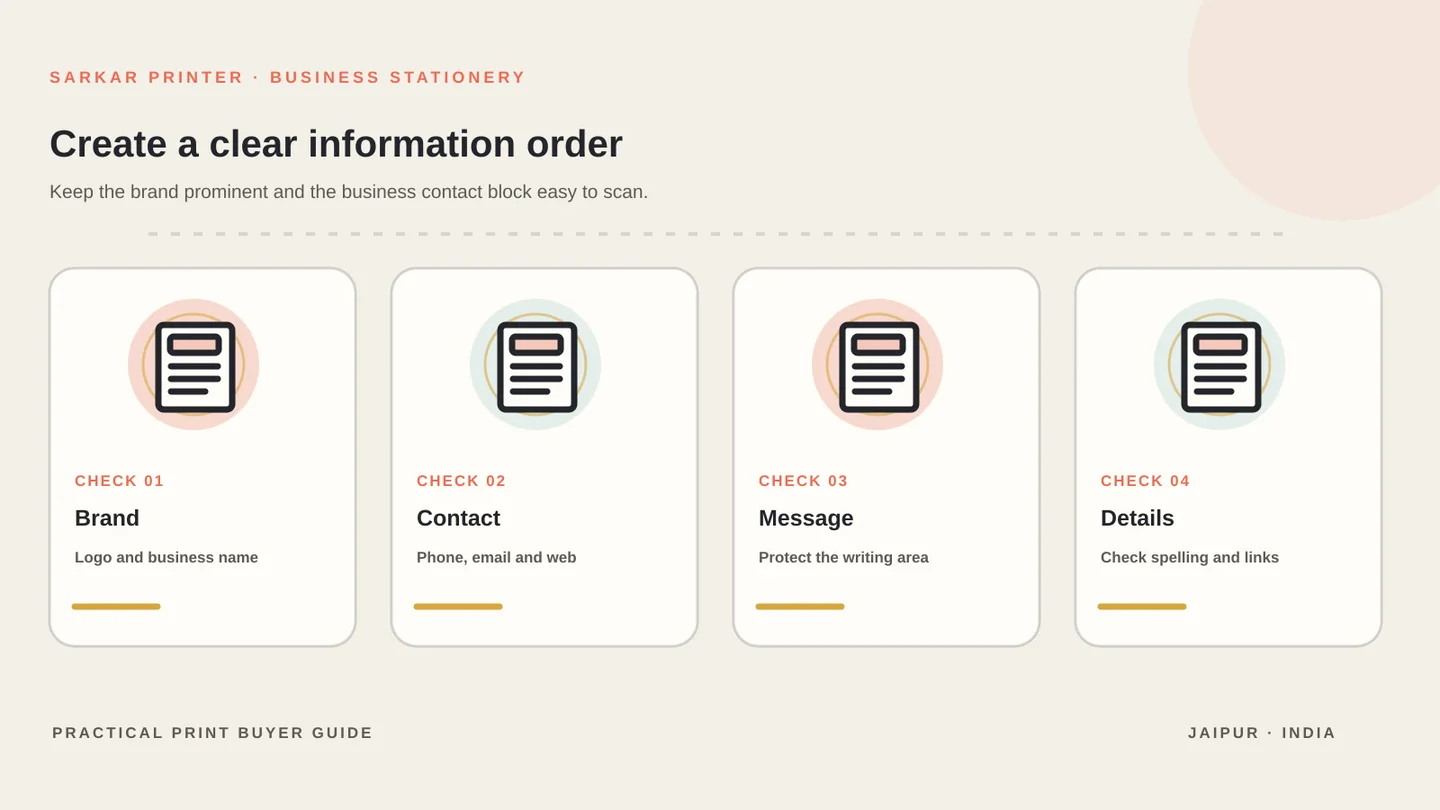
Organise brand and contact details
Give the page one clear reading order. Place the logo and business name where a reader can identify them quickly, then group the phone, email, website and address in a compact block. Use the same spelling and contact details that appear on your approved business profiles.
Keep decorative elements secondary to the letter’s message. Fine rules, pale patterns and oversized marks can compete with body text or disappear on an office printer. Check the sheet with a sample letter in place, not as a blank stationery mockup only.
Use a consistent type system and make the business details legible at normal page size. If you use a QR code or social handle, make sure it supports a clear action and does not crowd the writing area.
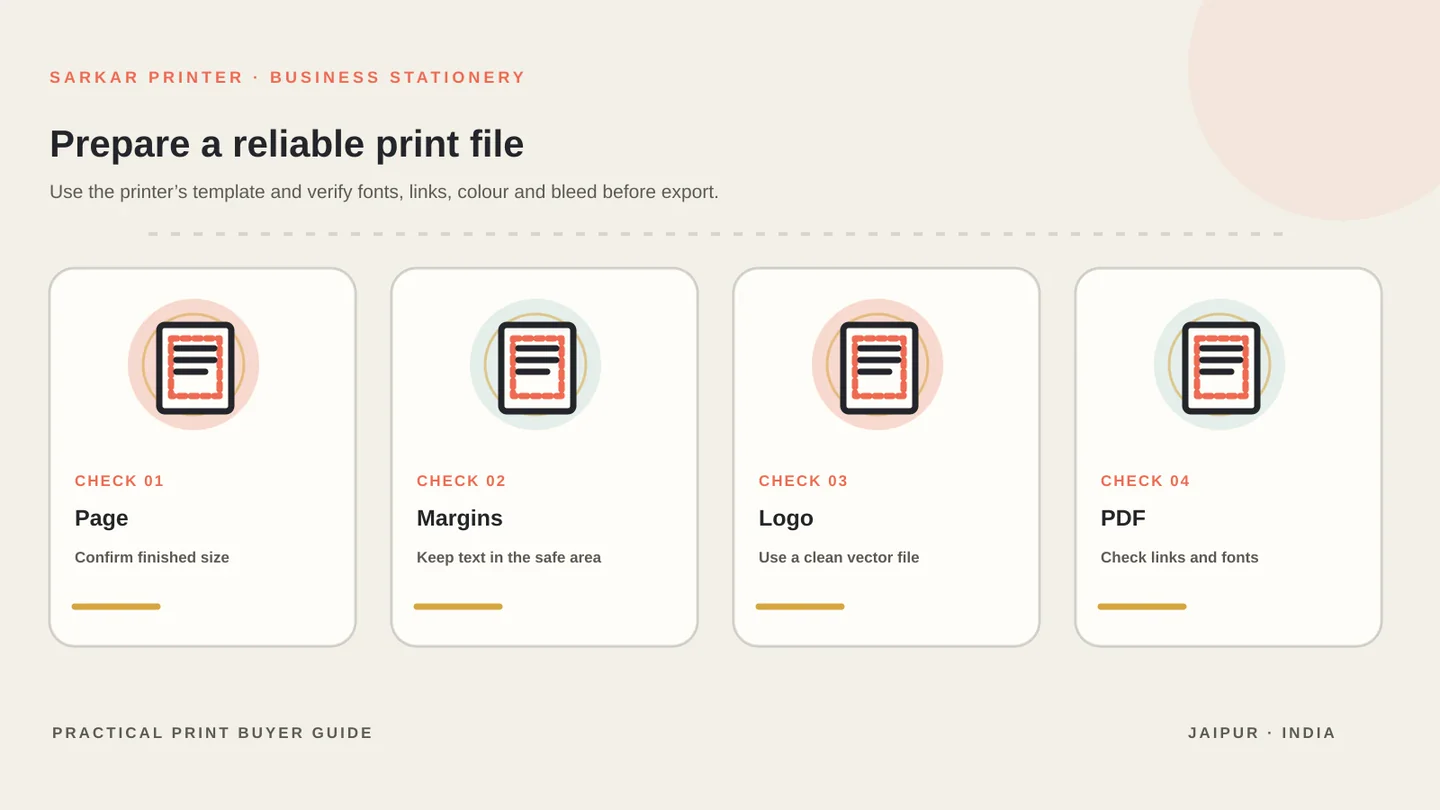
Prepare the artwork for print
Use the page size and file instructions from the print partner. Keep important text and logos inside the safe area, and extend edge-to-edge backgrounds into the specified bleed when the design needs them. Do not guess the bleed value or crop-mark setting.
Use a vector logo when available and check any placed image at its final size. Confirm the colour mode, black build and PDF export settings with the printer. A colour that looks bright on a monitor may print differently on the chosen stock.
Before sending the file, update links, check fonts and run preflight. Adobe’s print-ready PDF guide outlines common checks for links, fonts, bleed and preflight settings.
Proof the paper and office-print version
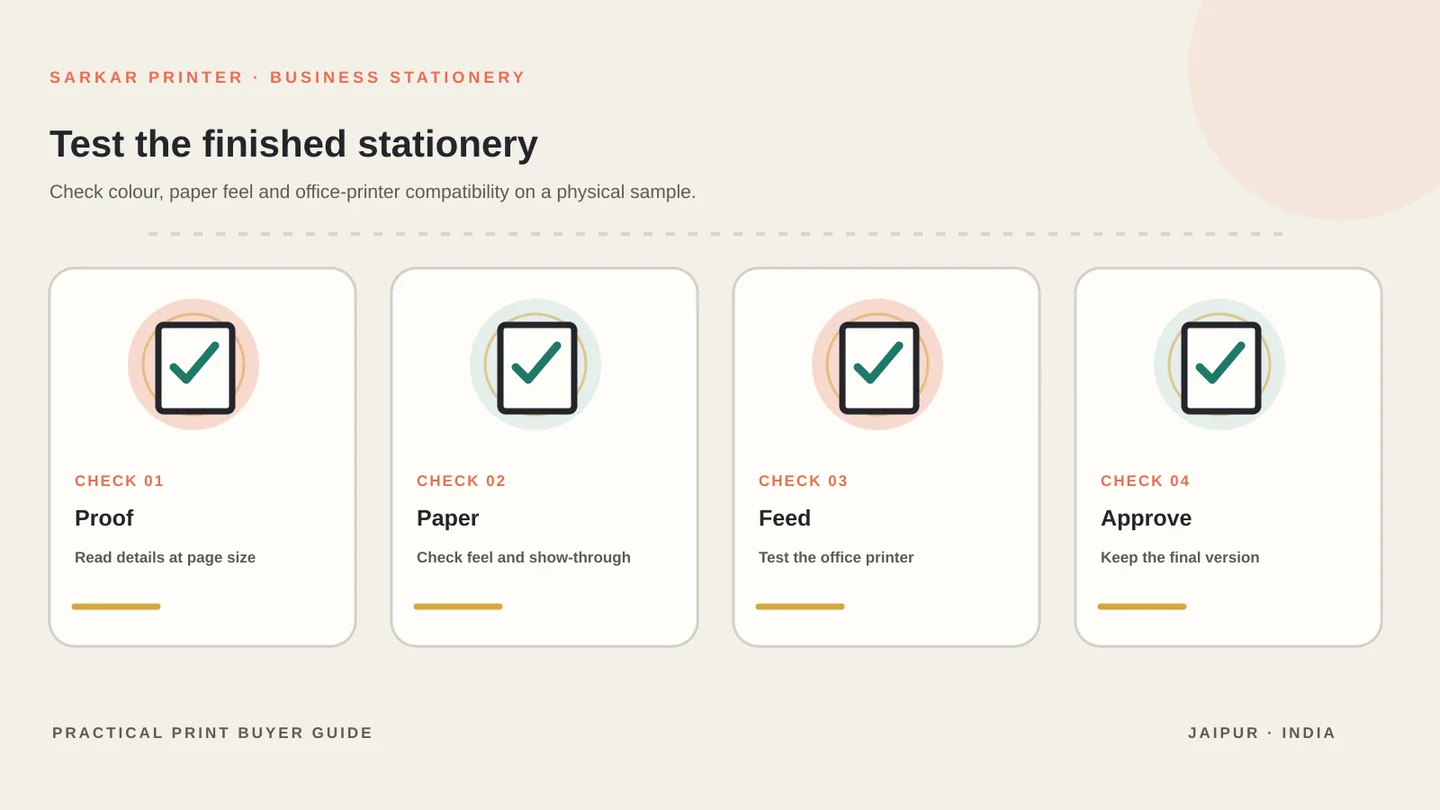
Review a printed proof under ordinary lighting. Check the logo, colour, fine rules, small contact details and the blank space available for the letter. Look at the sheet against a sample of the kind of document staff will place on it.
If the letterhead will feed through an office printer, run a small compatibility test with the intended device and paper direction before ordering a large quantity. Confirm that the sheet feeds cleanly and that pre-printed areas do not interfere with the later text.
Our business stationery printing page covers the service range, while the print design and prepress page explains artwork preparation. When the layout is ready, send us the page size, quantity and file for a project discussion.
Business letterhead checklist
Use this table as a starting point, then confirm the production details with the print provider for your job.
| Decision | Prepare | Check before approval |
|---|---|---|
| Use | Office printing, handwriting or one-pass print | Paper and workflow compatibility |
| Page | Finished size and orientation | Template, margins and bleed |
| Brand | Logo, business name and contact block | Spelling, links and hierarchy |
| Artwork | Vector logo and placed images | Colour, fonts and PDF preflight |
| Paper | Finish and writing needs | Office printer feed and show-through |
| Proof | Printed sample and sample letter | Legibility and approved revision |
CONTINUE THE PRINT PLAN
Give your business stationery a clear, print-ready brief.
See business stationery printing, review print design and prepress, or send your letterhead file.
Frequently asked questions
What should a business letterhead include?
Use the business name or logo and the contact details readers need, such as phone, email, website and address. Keep the layout clear and verify every detail before printing.
Which paper is best for letterhead printing?
Choose paper for the way the sheet will be used. Consider writing, office-printer feeding, colour reproduction and the document’s intended feel, then review a sample.
Can pre-printed letterhead go through an office printer?
It may, but the paper, finish, grain direction and device feed can affect the result. Test the actual stock in the intended office printer before ordering a large quantity.
Do I need bleed on a letterhead file?
Only when the design prints to the edge. Use the bleed and safe-area values supplied by the print partner, and ask whether crop marks belong in the final PDF.